
Last updated November 18, 2026
 Wrought iron
 Wood & steel frame
 Farm & ranch
 Sliding driveway gates
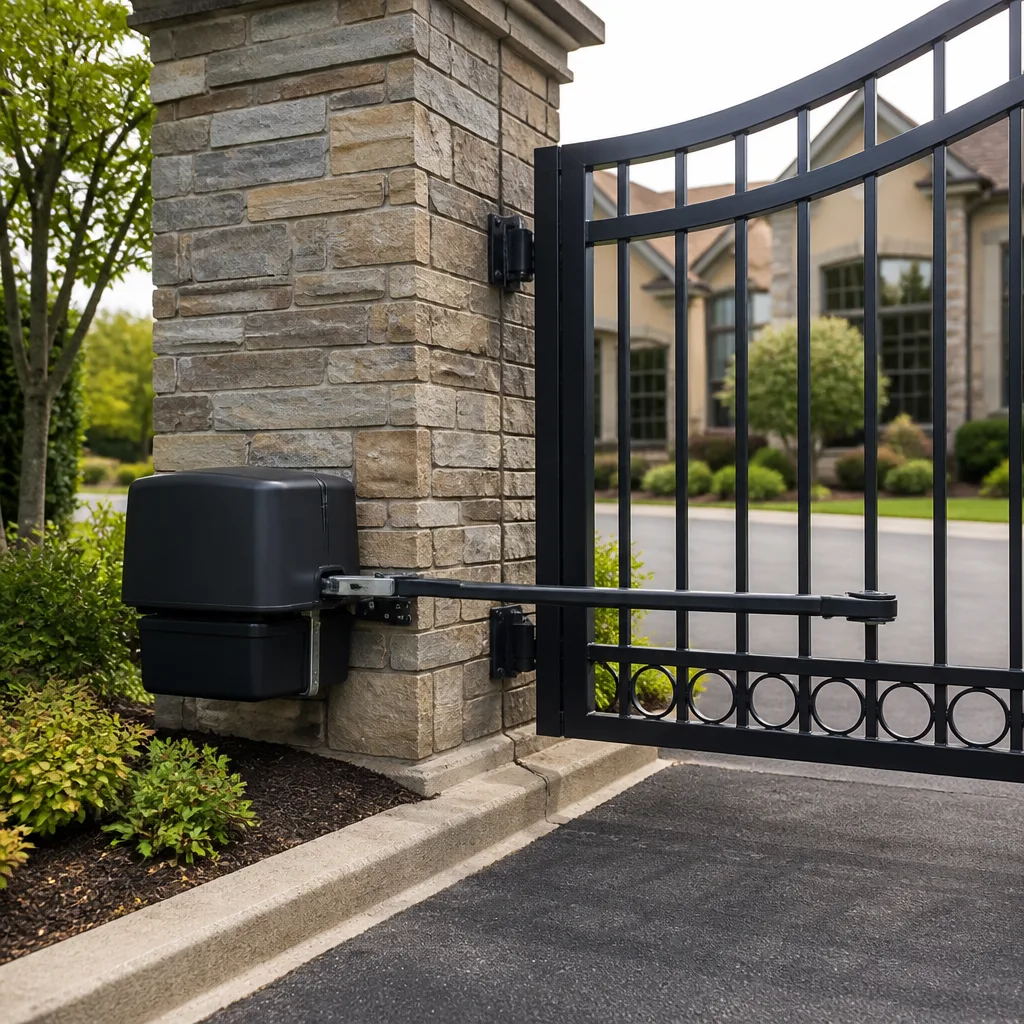 LiftMaster operators
Free on-site gate assessment - hinges, posts, and your LiftMaster or Nice gate operator checked before anything is quoted
The assessment is free and the quote is the invoice.
Get your free estimateThe Complete Gate Access Control Guide for Winchester Homeowners
A $3,000 gate with a $40 keypad protects less than a $1,500 gate with a properly configured access controller. That sounds backward, but it isn’t. The gate is a piece of moving steel; the credential system is the actual decision about who gets in, how they prove it, and what record exists afterward. Most Winchester homeowners pick the gate first and treat access control as an afterthought, which is exactly the wrong order. In this guide we’ll lay out the full spectrum of credentials, what each one costs you in maintenance and failure, what an audit trail actually is, the wiring and power rules that separate a basic reader from a managed system, and how southern Nevada heat eats cheap hardware alive.
Quick Answer
Gate access control in Winchester means choosing a credential method (remote, keypad, intercom, card, app, or plate reader) and pairing it with a controller that logs who opened the gate and when. The right choice depends on whether you need an audit trail, how many people need access, and how much sun and heat the reader housing will face. Design the credential layer first, then buy the gate hardware to match.
Styles & brands we work with
- Wrought iron
- Wood & steel frame
- Farm & ranch
- Sliding driveway gates
- LiftMaster operators
Table of Contents
- The credential spectrum, ranked by security and burden
- What an audit trail is and when you actually need one
- Wiring and power: what changes between basic and managed systems
- How Winchester heat kills keypads and proximity readers
- The documentation a proper install should hand you
- How to choose a system in six steps
- Common mistakes to avoid
- Frequently asked questions
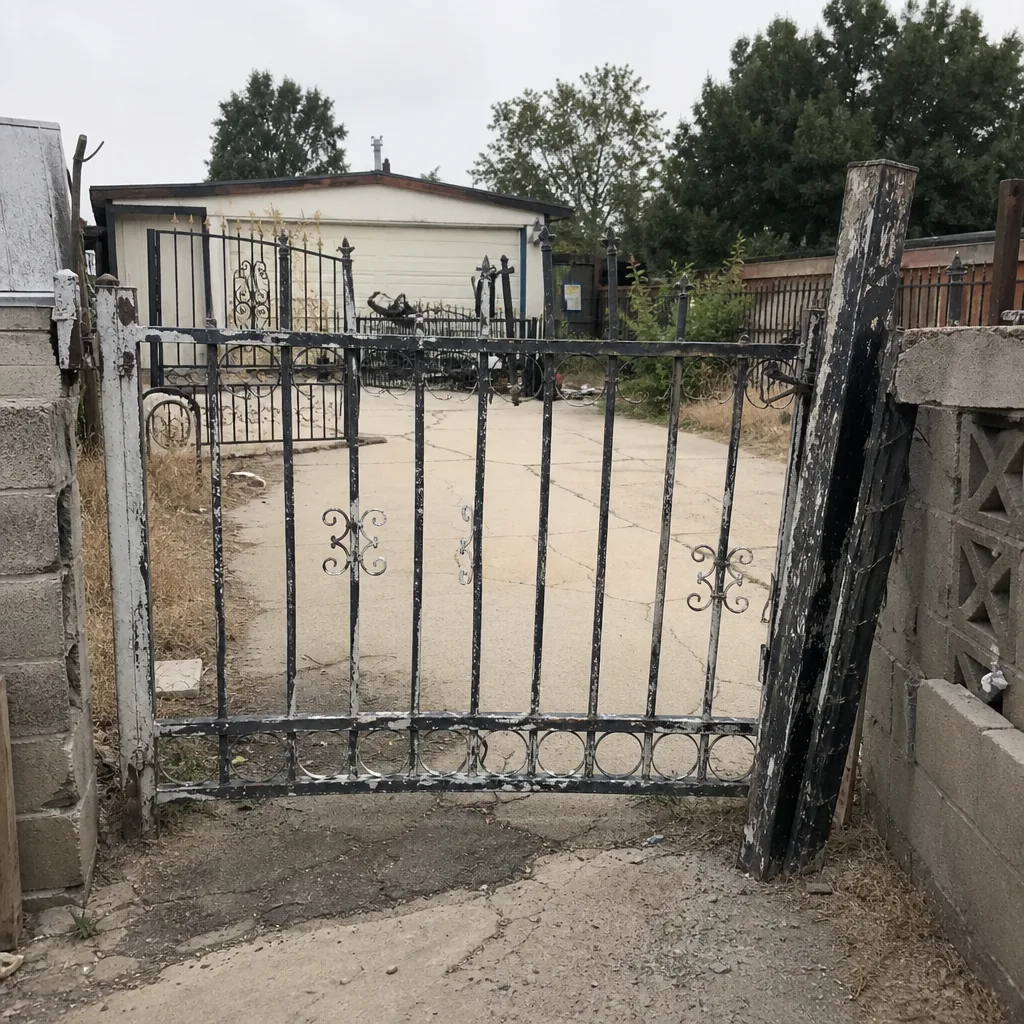 Before
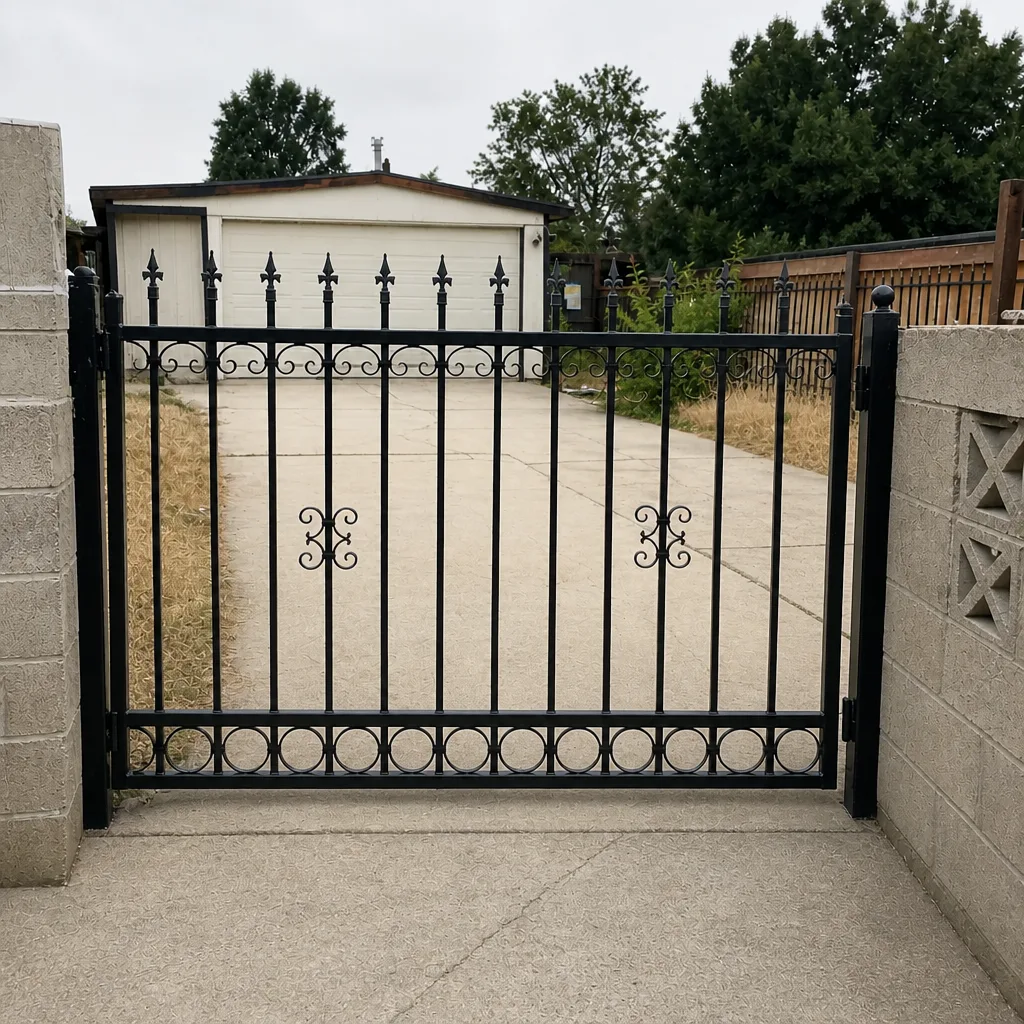 After
The Credential Spectrum, Ranked by Security and Burden
Every access method is a trade between convenience, cost, and how much evidence it leaves behind. Here’s how the options stack up for a residential driveway in Winchester.
RF remote
The handheld or visor remote that ships with most operators. It’s cheap, requires no wiring to a reader, and works from the car without rolling down a window. The weakness is that a remote can be cloned or lost, and it leaves no record beyond the operator’s own event log (if the operator has one). Maintenance is close to zero until the battery dies. Security level is low-to-moderate. This is what comes standard on a Mighty Mule or basic LiftMaster unit.
Keypad PIN
A wired or wireless keypad lets you issue a code to a housekeeper, a pet sitter, or a delivery driver and revoke it later. Wired keypads on a shared circuit are more reliable than battery wireless units, which tend to fail quietly in heat. Security is moderate, and a shared PIN tells you nothing about who used it. This is the single most common credential we see on residential gates.
Keypad + intercom
Adds a two-way audio or video station so the visitor announces themselves and you decide whether to buzz them in. This is the right call for a gate you can’t see from the house. It costs more in wiring (the intercom needs its own conductor run) but gives you a live decision point rather than a code you handed out months ago.
Proximity card or fob
A card or fob read by a reader, common on FAAC and DoorKing systems. Each credential is individually issued and revocable, which is a real step up from a shared PIN. The reader needs power and a data line, and cards get lost. Best for households with staff or regular service visitors.
Smartphone app
A cloud-managed controller lets you open the gate, issue temporary credentials, and see a log from your phone. This is the option that produces an actual audit trail without a card to lose. It depends on a stable internet connection at the gate, which is the failure mode to plan for. When the network drops, a good controller still honors local credentials.
License plate recognition
A camera reads the plate and opens for recognized vehicles. It’s the most hands-free option and the most expensive, and it struggles with dirty or obscured plates. For residential use it’s usually overkill, but for a shared driveway with several regular vehicles it removes the “where’s my remote” problem entirely.
What an Audit Trail Is and When You Actually Need One
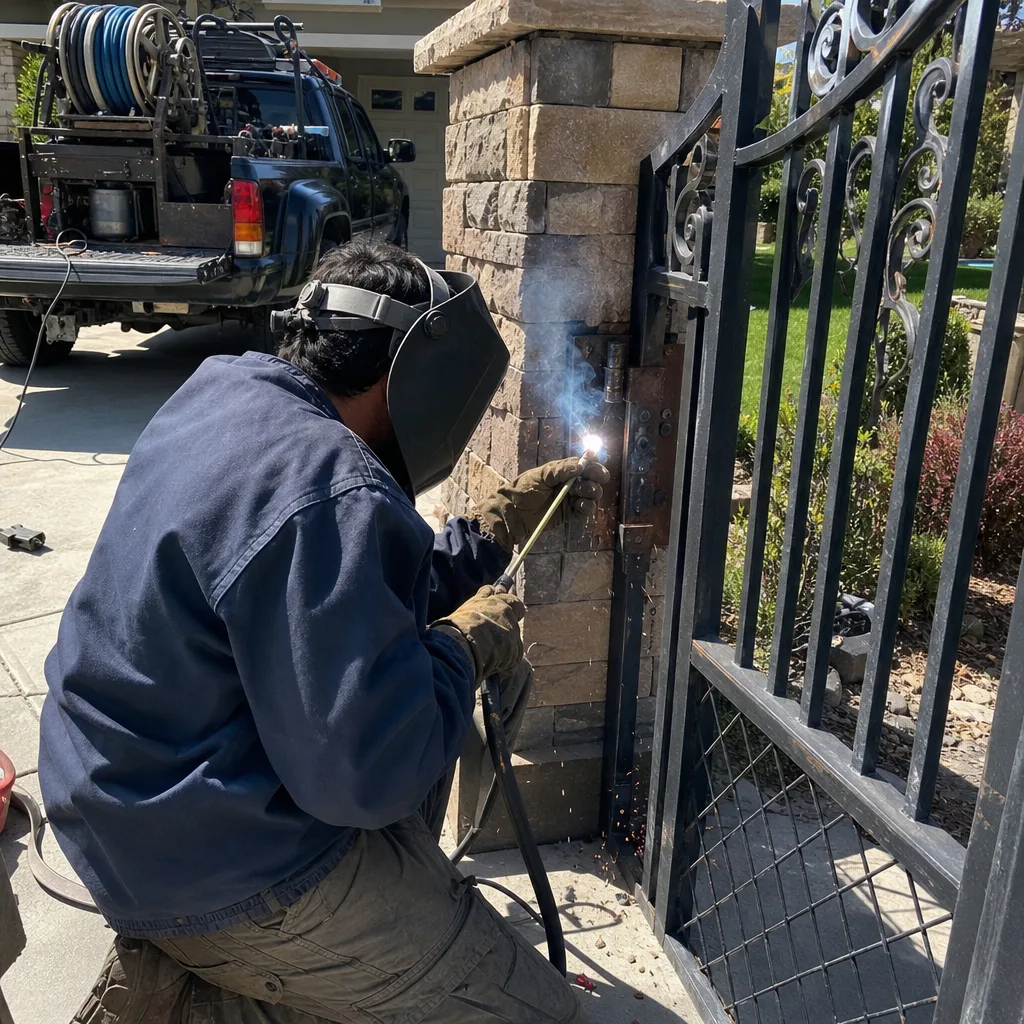
An audit trail is a timestamped log of every credential event: who opened the gate, with what credential, and when. Not every system produces one. A plain RF remote leaves no usable record because the operator can’t tell one remote from another. A managed controller – whether it’s a cloud system or a locally logged DoorKing-style unit – records each user separately and can export the history.
You need an audit trail when any of these apply:
- Rental property. You want to know who came through and when you revoked a tenant’s code.
- Shared driveway. Multiple households on one gate need separate credentials so nobody can claim they didn’t open it.
- Frequent service visitors. Pool, landscaping, and delivery people cycle through; temporary credentials with an expiry date beat a code you have to remember to change.
- Disputed incidents. If something happens on the property, a log is evidence. A keypad with a shared PIN gives you nothing.
If you’re a single household with a gate you can see from the kitchen, a keypad is often enough and the audit trail is overkill. If any of the four cases above describes you, the controller is the part to spend on. This is the same logic we apply when we quote gate repair in Winchester – find out what the gate is actually being asked to do before recommending hardware.
Wiring and Power: What Changes Between Basic and Managed Systems
The wiring is where “basic” and “managed” access control diverge, and it’s also where a cheap install becomes expensive later. A simple keypad can run on the operator’s low-voltage circuit. A managed system with a reader, intercom, and controller needs its own plan.
Here’s what a proper managed install requires:
- Dedicated circuit. The controller and any transformer should sit on their own breaker, not share a circuit with a garage outlet or landscape lighting. A shared circuit is the number one cause of mystery resets.
- Conduit for every buried run. Reader cabling, intercom cable, and any data line to the controller go in conduit – not direct-buried. Southern Nevada’s soil movement and heat will crack unprotected cable jacket within a season or two. Running conduit now is far cheaper than trenching twice.
- Separate data and power paths. Low-voltage data lines (reader to controller) should not share conduit with line-voltage power. Crosstalk on a shared run produces intermittent reads that are hard to chase down.
- Solar-assisted systems. If the gate is solar-powered, the access controller needs its own battery budget. Adding a reader and intercom to a solar operator changes the daily current draw, and the panel and battery have to be sized for it. We see under-sized solar setups fail in Winchester’s summer heat because nobody recalculated the load when the reader was added.
If you’re weighing a full replacement against repairing what’s there, read our gate installation in Winchester guide before you decide – a new gate doesn’t fix a poorly wired credential layer.
How Winchester Heat Kills Keypads and Proximity Readers
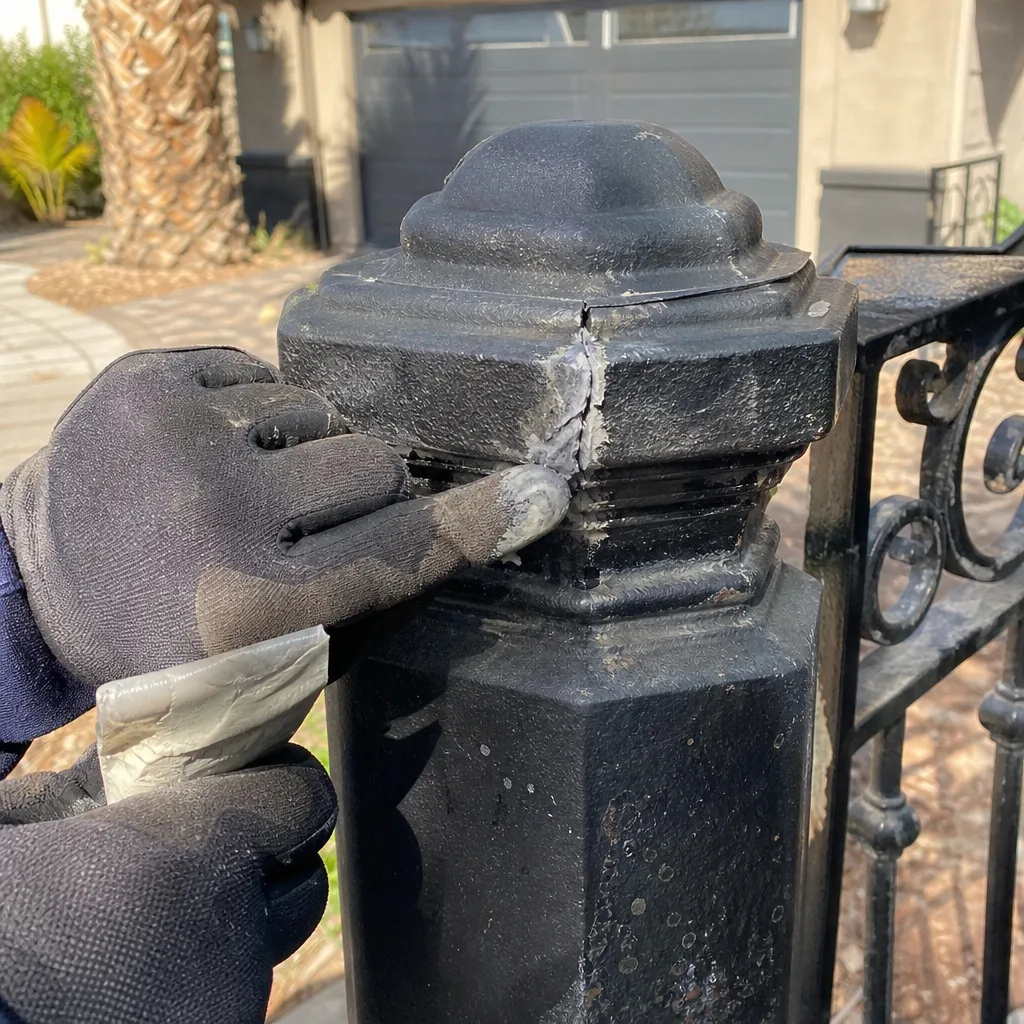
Southern Nevada sun is the great separator between hardware that’s rated for it and hardware that isn’t. A keypad mounted on a west-facing gate post in Winchester can see surface temperatures well past what the spec sheet assumes, and the housing rating is what determines whether it survives.
What we see in the field:
- IP65 or better housings hold up. The two-digit IP rating tells you dust and water ingress protection. For an outdoor reader in direct sun, don’t go below IP65, and prefer a housing with a UV-stable face.
- Cheap plastic keypads degrade fast. Unrated $40 wireless keypads crack, yellow, and lose button contact within two summer seasons here. The buttons are usually the first failure, not the electronics.
- Mounting location matters as much as the rating. A reader on a shaded post under a ramada lasts years longer than the same unit bolted to a sun-exposed metal post that bakes all afternoon.
- Battery wireless units fail quietly. Heat accelerates battery drain, and a dead keypad looks like a locked-out homeowner. If the keypad has no wired power option, expect to change batteries more often in Winchester than the manual suggests.
When we service a keypad, we check the housing and the mounting shade before we replace anything – sometimes the fix is relocating the reader two feet onto a shaded post. For a closer look at motor and operator heat issues, see our gate motor & opener in Winchester page.
The Documentation a Proper Install Should Hand You
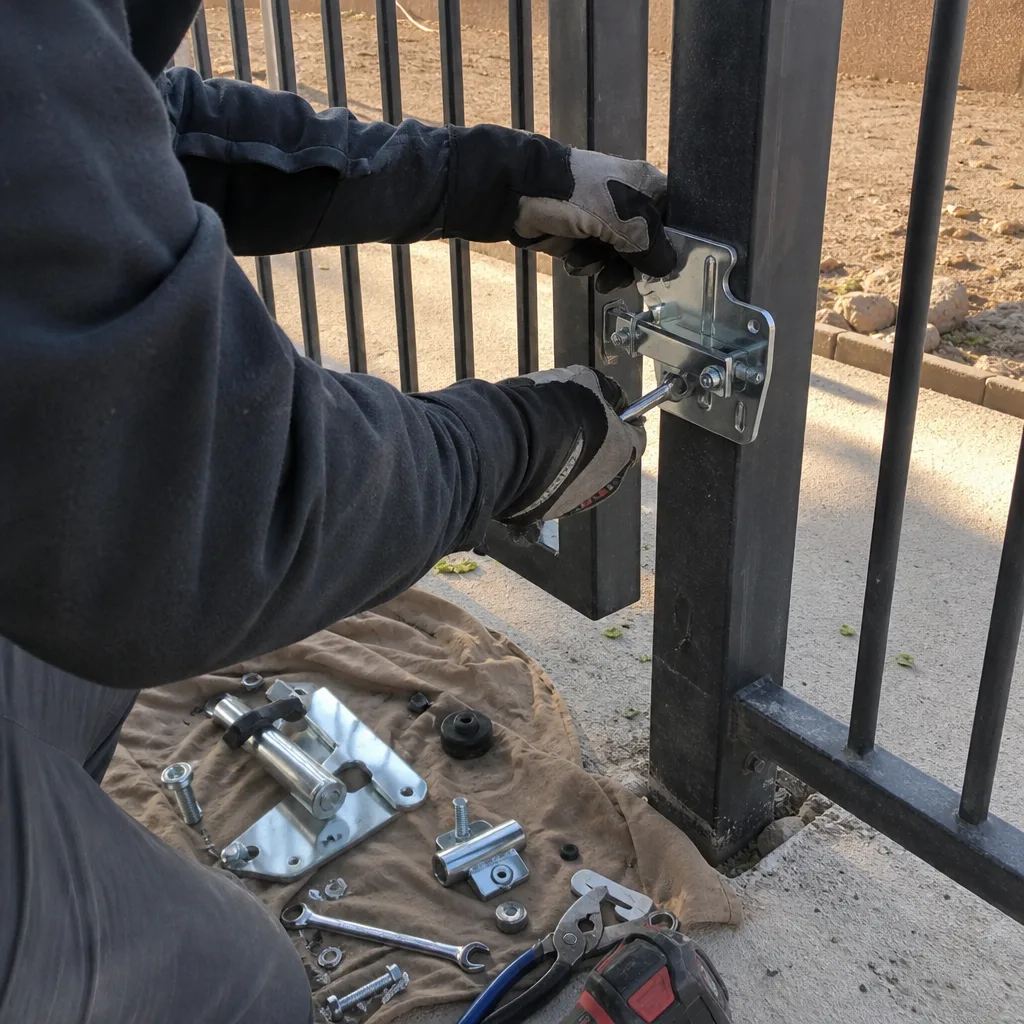
This is the part most homeowners never receive, and it’s the part that saves them money later. A properly installed access control system produces a paper trail. Under the Haven Standard, every visit leaves a documented record – and a good install is no different. You should walk away with:
- A wiring diagram showing every credential reader, its terminal assignment, and which pair of conductors feeds it. Without this, the next technician is guessing.
- A programmed-user list – a written record of which credential or code belongs to whom, so you know what to revoke and when.
- A factory-reset procedure for the controller. If you ever sell the house or need to start clean, you need to know how to wipe the user list without bricking the unit.
- Photographs of what was installed, where it was mounted, and how the wiring was run.
We keep the same commercial-grade documentation habit on every residential job that we built on commercial access-control sites. When a reader fails two years later, the diagram is what turns a two-hour diagnostic into a twenty-minute fix.
How to Choose a System in Six Steps
- Decide whether you need an audit trail. Rental, shared driveway, or regular service visitors means yes. Single household, no – a keypad is enough.
- Count your users. Two people is a keypad or two remotes. Ten people on a shared driveway means individual credentials and revocation, which pushes you to cards or a managed controller.
- Check whether you can see the gate from the house. If not, budget for an intercom or video station.
- Map the power. Is there a dedicated circuit at the gate? Is the run in conduit? Solar or line-voltage? This determines what the install can support.
- Match the housing to the sun. Any reader facing direct afternoon sun in Winchester needs IP65 or better and a shaded mount.
- Get the wiring diagram in writing. No install is complete without it. A written scope and a written price come before the first tool is picked up, not after.
For the gate side of the equation, our Vance Gate Repair Winchester home page covers the full service picture.
Common Mistakes to Avoid
- Buying the gate before designing the credential layer. The access system determines what the gate actually does for security. Pick the controller first and let it inform the operator choice – otherwise you end up retrofitting readers onto hardware that can’t talk to them.
- Putting a managed reader on a shared garage circuit. When the garage outlet trips, the gate controller resets and locks out everyone. A dedicated breaker is the fix, and it’s cheap if done at install.
- Direct-burying reader cable. Southern Nevada soil movement and heat crack unprotected jacket. Every buried run goes in conduit – no exceptions.
- Bolting an unrated keypad to a sun-baked metal post in Winchester. It’ll fail within two seasons. Choose an IP65 housing and a shaded mount instead.
- Handing out a shared PIN to a service crew. No audit trail, no revocation, no evidence. Use temporary individual credentials instead.
- Skipping the documentation. A system with no wiring diagram means the next repair costs double because the technician has to rediscover the install. Ask for the diagram and photos before the installer leaves.
- Under-sizing a solar setup when adding a reader. Adding a reader and intercom to a solar operator changes the daily current draw; recalculate the panel and battery budget or the system browns out by summer.
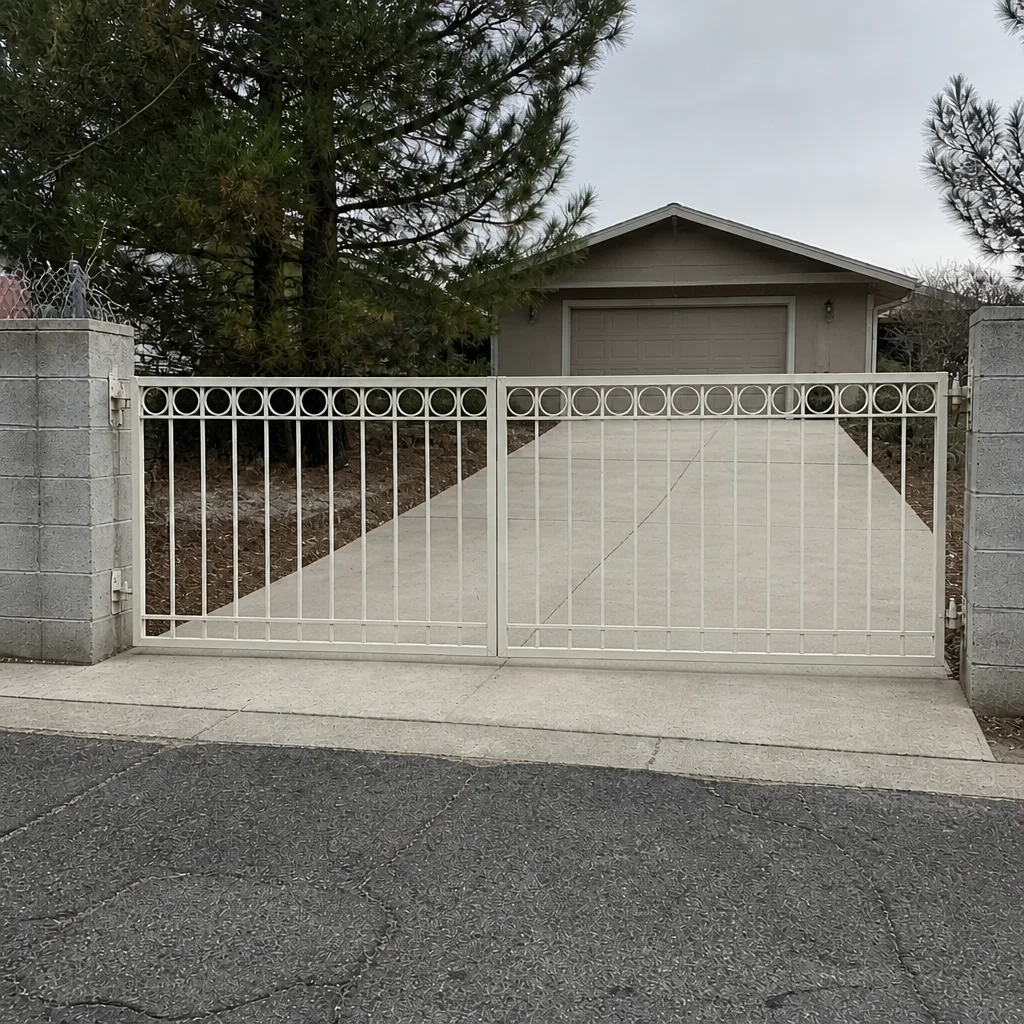
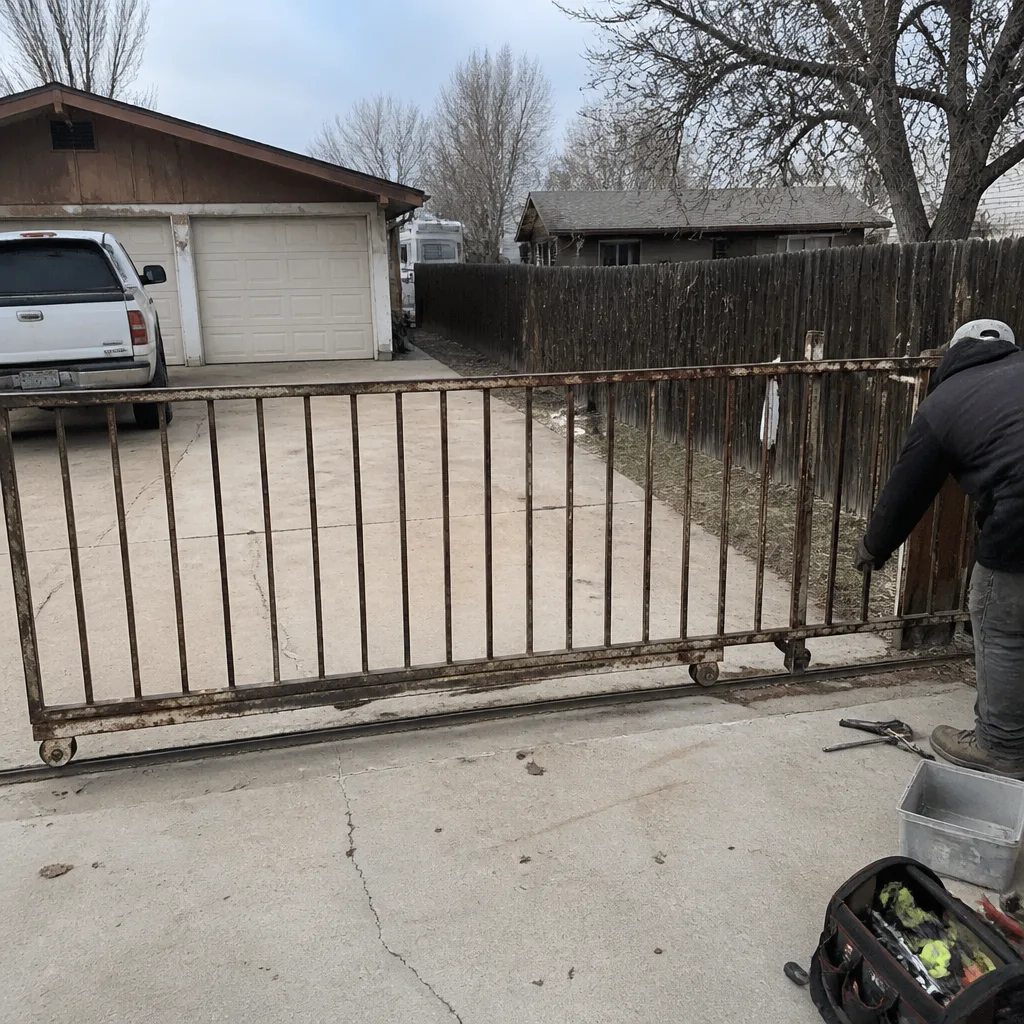
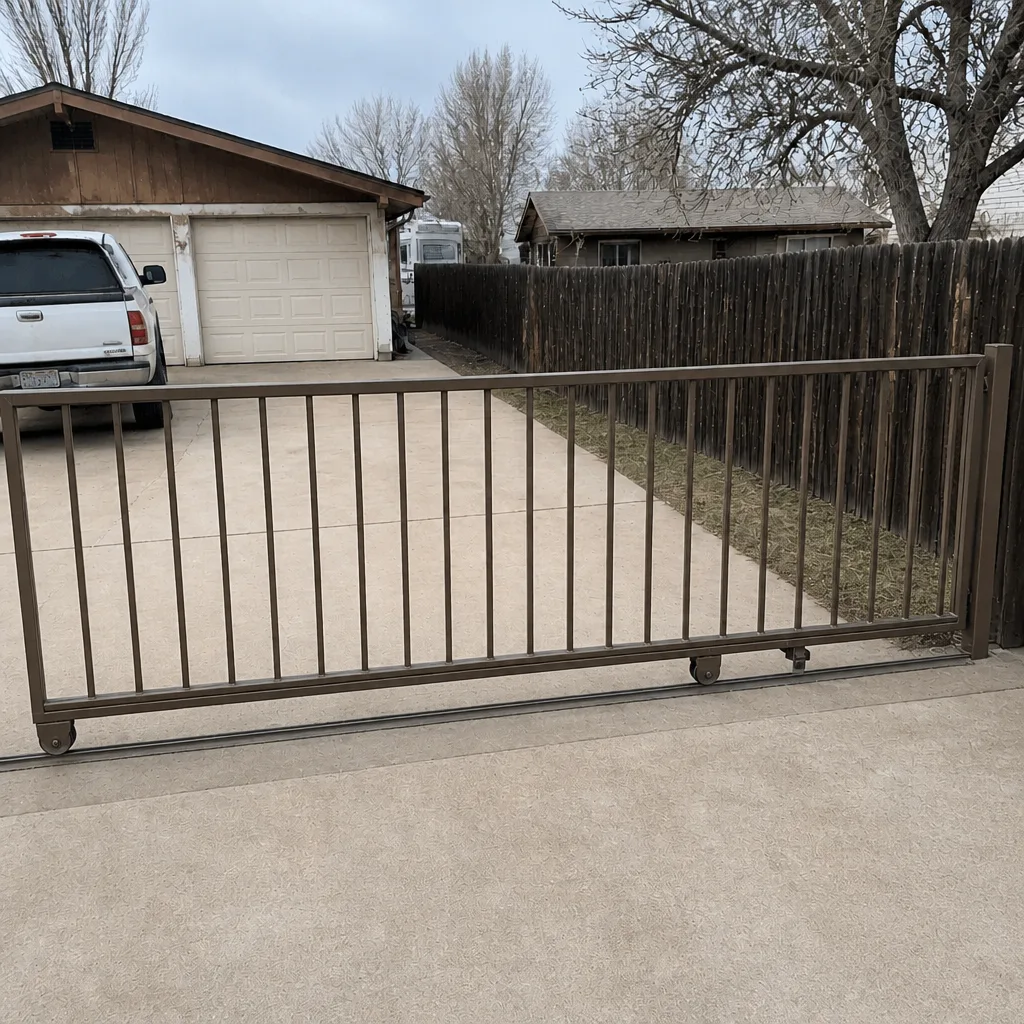
See the difference
BeforeAfter Before
 After
 Before
 After
When to Call a Professional
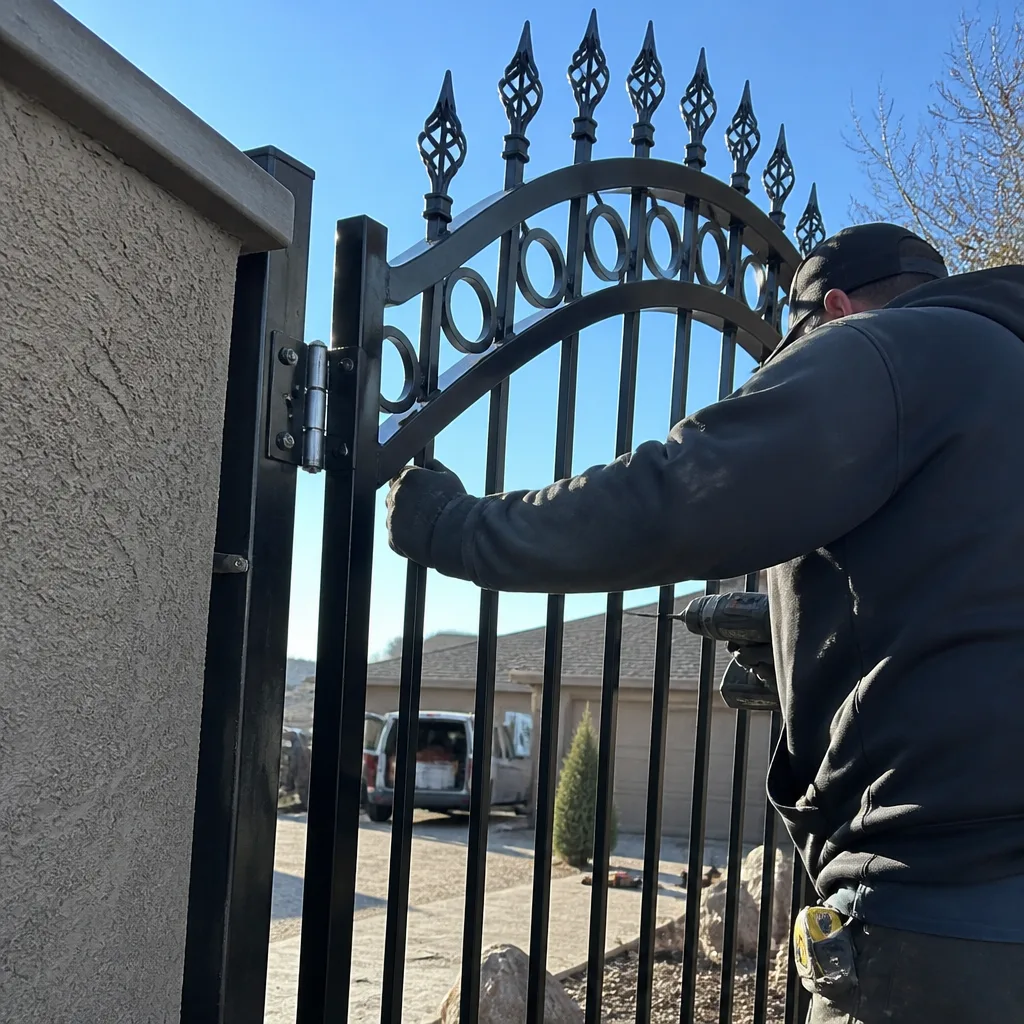
Some access control work is genuinely a job for a trained technician, not a weekend project. Call us when a reader is intermittent and you can’t find the bad conductor, when the controller needs to be reprogrammed or factory-reset, when the gate’s power or solar setup needs a new circuit, or when you’re choosing between repair and replacement and want an honest read on what’s actually failing. High-voltage work and buried conduit runs are where a do-it-yourself install most often goes wrong, and getting it wrong on a gate controller can leave you locked out with no way in. Vance Gate Repair Winchester offers free estimates in Winchester – call (866) 983-9213 and we’ll review a written scope and price with you before anything starts.
Frequently Asked Questions
A keypad is a code you type in; an intercom adds live two-way audio or video so a visitor announces themselves and you decide whether to open. If you can’t see the gate from the house, an intercom is the better choice because you’re making a live decision rather than handing out a code. Both can share one controller.
You need one if you rent the property, share a driveway, or have frequent service visitors – because an audit trail logs who opened the gate and when. A single household with a gate visible from the house can usually get by with a keypad. Anywhere you need revocation and evidence, spend on the controller.
Direct afternoon sun can degrade an unrated keypad within two seasons here – buttons lose contact and plastic housings crack. An IP65 or better housing on a shaded post lasts years longer, and mounting location matters as much as the rating. If your keypad keeps failing, relocation may fix it.
A managed system needs a dedicated circuit for the controller and transformer, conduit for every buried run, and separate paths for low-voltage data and line-voltage power. Direct-buried cable fails fast in southern Nevada soil. Solar-assisted systems also need the panel and battery budget recalculated when a reader is added.
You should get a wiring diagram showing every reader and its terminal assignment, a programmed-user list, a factory-reset procedure for the controller, and photographs of the install. Without these, the next technician has to guess, and the repair costs more. Ask for all four before the installer leaves.
Often a repair is the right answer – a misaligned or sun-killed reader, a loose conductor, a misprogrammed controller. We’ll show you what we found and photograph the fix rather than steer you toward replacement. If replacement is genuinely needed, we’ll say so and quote it in writing first.
The Bottom Line
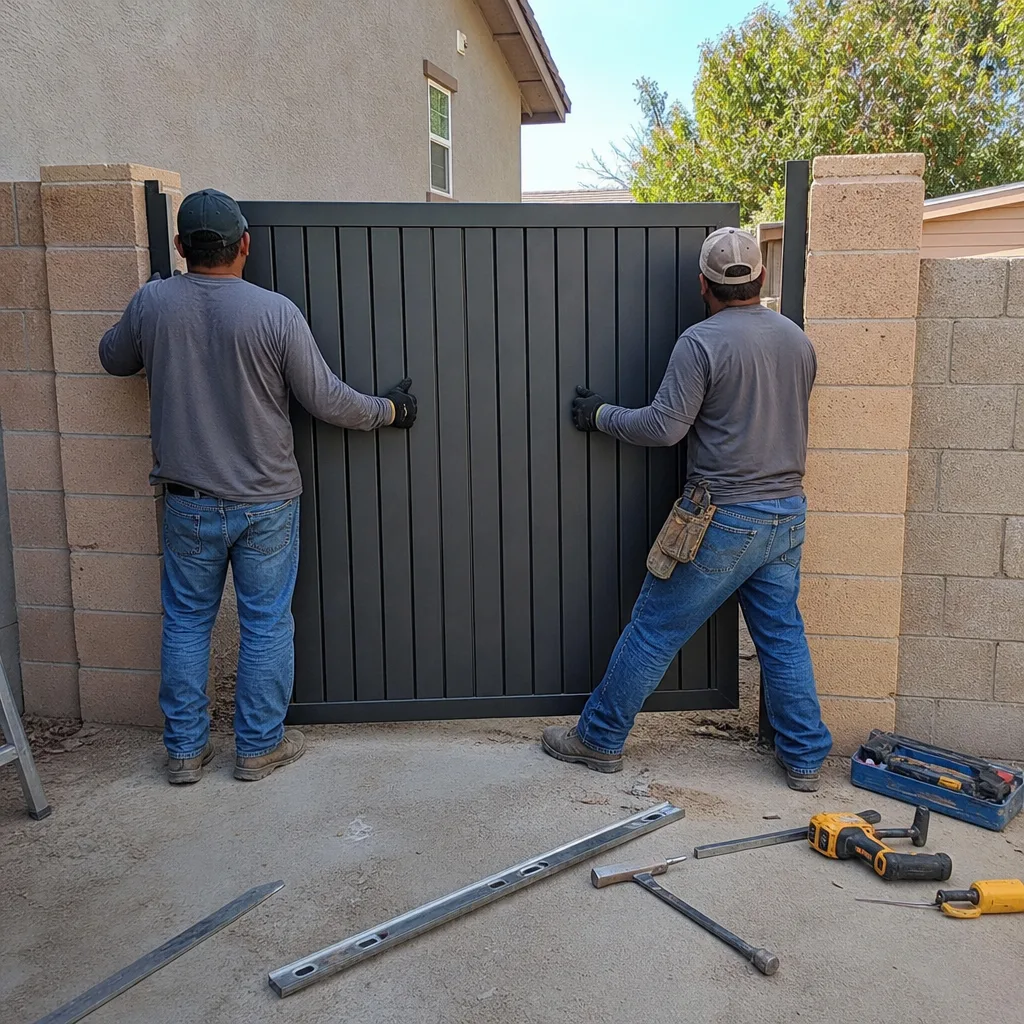
Access control is the part of your gate that decides who gets in, how they prove it, and what record survives. Pick the credential layer first – audit trail or not, intercom or not, IP65 or not – and let the gate hardware follow. Every buried run goes in conduit, the controller sits on its own circuit, and the reader housing has to survive Winchester sun. Walk away with a wiring diagram, a user list, a factory-reset procedure, and photos. That’s the whole game, and it’s most of what separates a $40 keypad from real security.
Ready to sort out your gate’s access control? Call Vance Gate Repair Winchester at (866) 983-9213 for a free estimate. We’ll review your credential options, hand you a written price before any work starts, and leave you with a documented record of every visit.
Written by the team at Vance Gate Repair Winchester.