
Last updated November 18, 2026
 Wrought iron
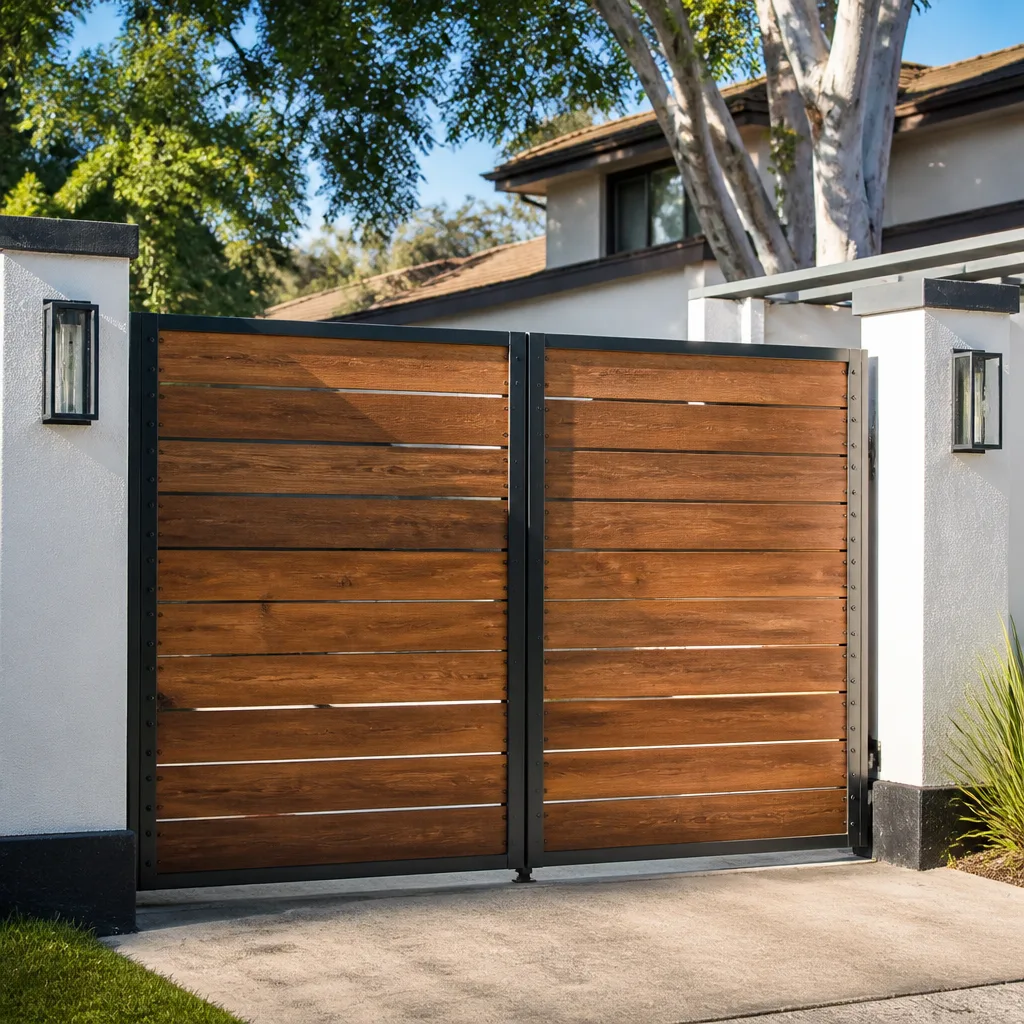 Wood & steel frame
 Farm & ranch
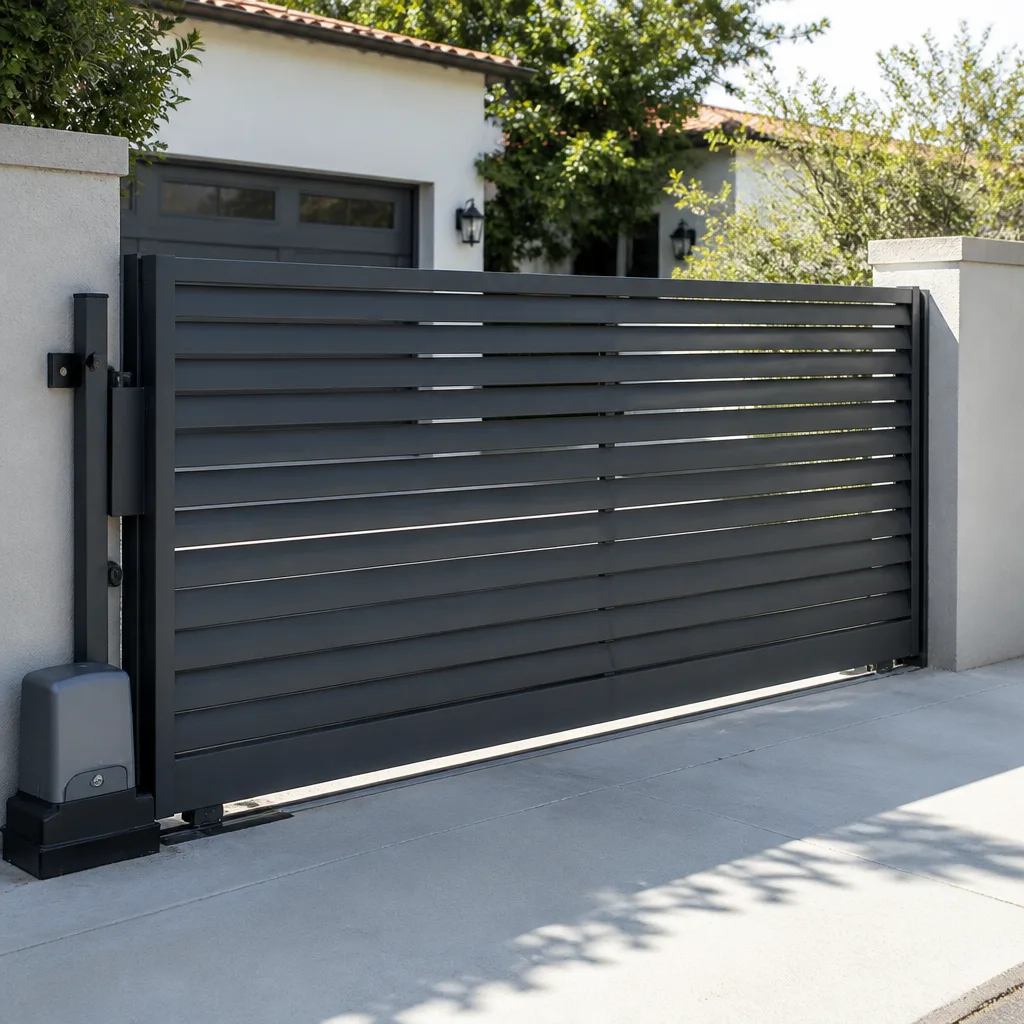 Sliding driveway gates
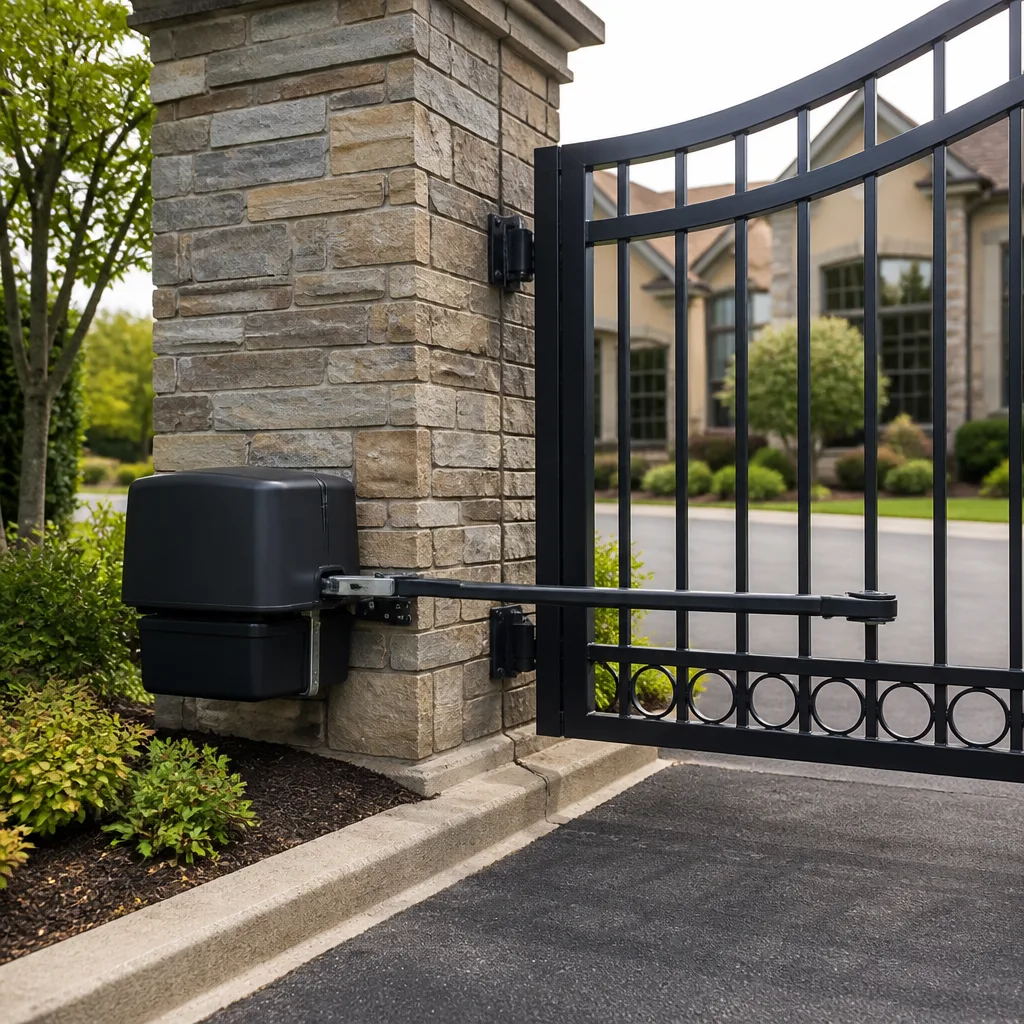 LiftMaster operators
Free on-site gate assessment - hinges, posts, and your LiftMaster or Nice gate operator checked before anything is quoted
The assessment is free and the quote is the invoice.
Get your free estimateGate Access Control Troubleshooting: Common Problems and How to Fix Them
When a gate stops responding to a keypad entry, most people’s first call is to a gate company. The fault is almost always in the access control wiring or programming, not the gate itself. A dead gate and a gate with a dead relay look identical from the driveway: nothing happens when you punch the code. Finding the real fault means starting at the credential and working back toward the motor, never the other way around. This guide lays out that diagnostic sequence, the five failure modes we find most often in Winchester, and the split between what you can safely test yourself and what needs a technician with a meter.
Quick Answer
Gate access control problems usually trace to one of five causes: lost programming after a power outage, corroded wiring at the reader, a failed relay on the controller board, a weak battery in the remote, or a UV-cracked keypad membrane. The fix starts with confirming the controller actually receives the credential signal before you touch anything mechanical. Most single-cause faults are corrected in a single visit once that signal path is tested in order.
Styles & brands we work with
- Wrought iron
- Wood & steel frame
- Farm & ranch
- Sliding driveway gates
- LiftMaster operators
Table of Contents
- The Correct Diagnostic Sequence for a Gate That Won’t Open
- Five Common Access Control Failure Modes
- How to Isolate the Fault: Reader, Wiring, or Relay
- The Documentation That Makes Troubleshooting Faster
- What You Can Safely Do Yourself vs. What Needs a Technician
- Why Winchester Heat and Monsoon Season Age Access Control Faster
- Common Mistakes to Avoid
- When to Call a Professional
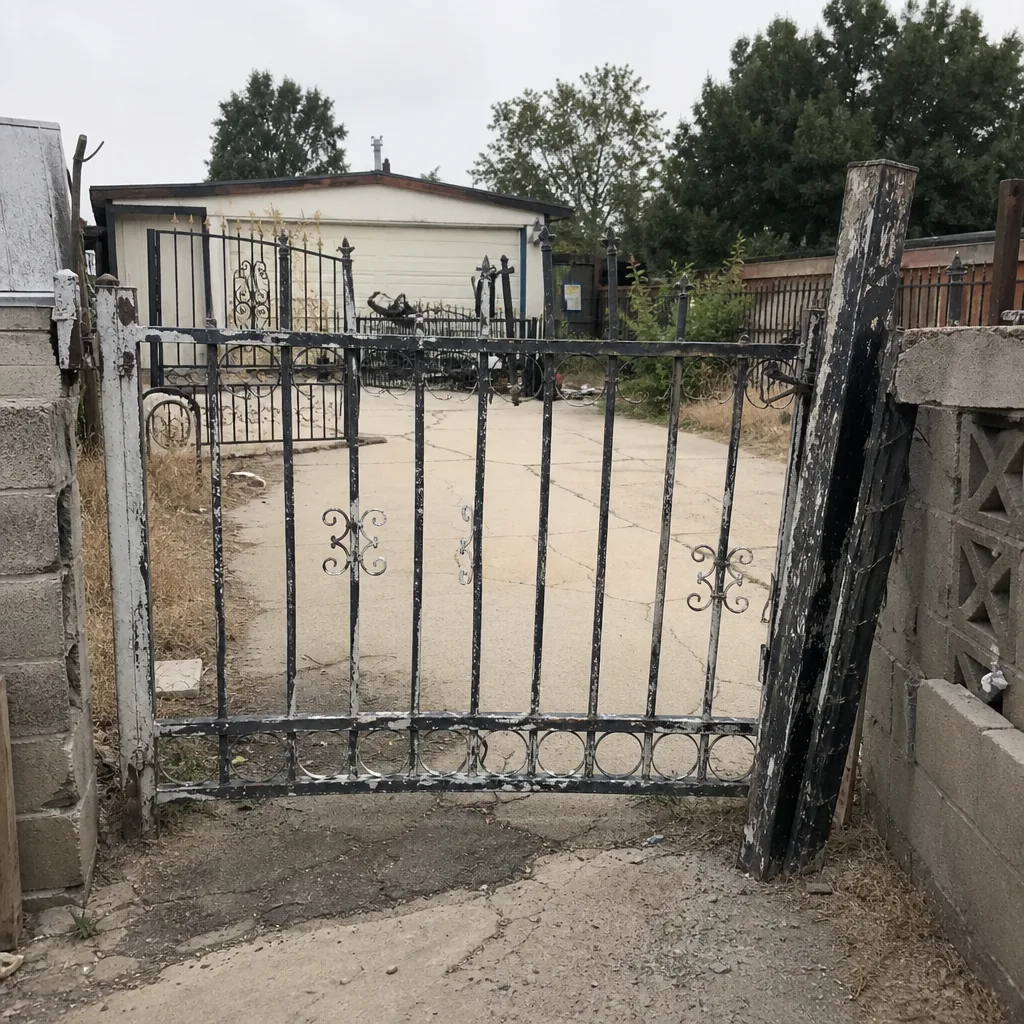 Before
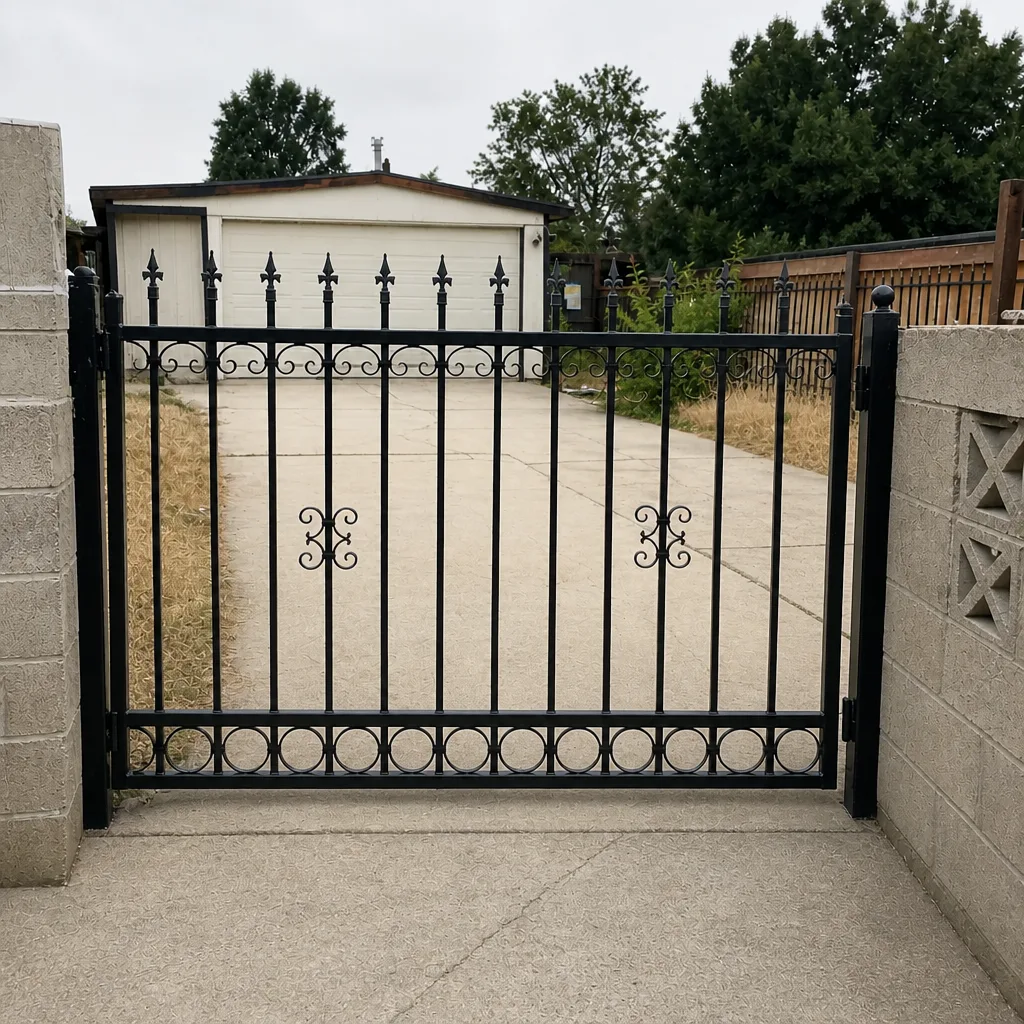 After
The Correct Diagnostic Sequence for a Gate That Won’t Open
The mistake almost everyone makes is starting at the motor. If the gate doesn’t move, the assumption is that the operator is broken. But an operator that receives no command sits there perfectly healthy and perfectly still. In our experience across thousands of gate calls in Winchester, the actual fault lands in the access control chain far more often than in the motor itself. Work the sequence in order and you skip the guesswork.
- Test a second credential. Try a different remote, or a keypad code you know works. If one credential works and another doesn’t, the problem is in the credential, not the gate.
- Watch the controller’s indicator. Most controllers flash an LED or click a relay when they receive a valid input. If there’s no indicator on a valid credential, the signal isn’t arriving.
- Check the manual release. Disengage the operator and move the gate by hand. A gate that binds by hand has a mechanical problem on top of, or instead of, an access control problem.
- Verify power to the controller. A tripped breaker or a dead transformer will mimic a total access control failure.
- Only now test the operator. If the controller receives the credential and fires the relay but the motor doesn’t run, the fault is downstream of the access control system.
Working the sequence this way tells you within ten minutes whether you’re chasing a credential problem, a wiring problem, or a gate problem. That distinction is what makes a repair fast instead of expensive. If you’d rather hand the diagnosis to someone who runs it every day, our gate repair in Winchester service covers exactly this kind of fault-finding.
Five Common Access Control Failure Modes
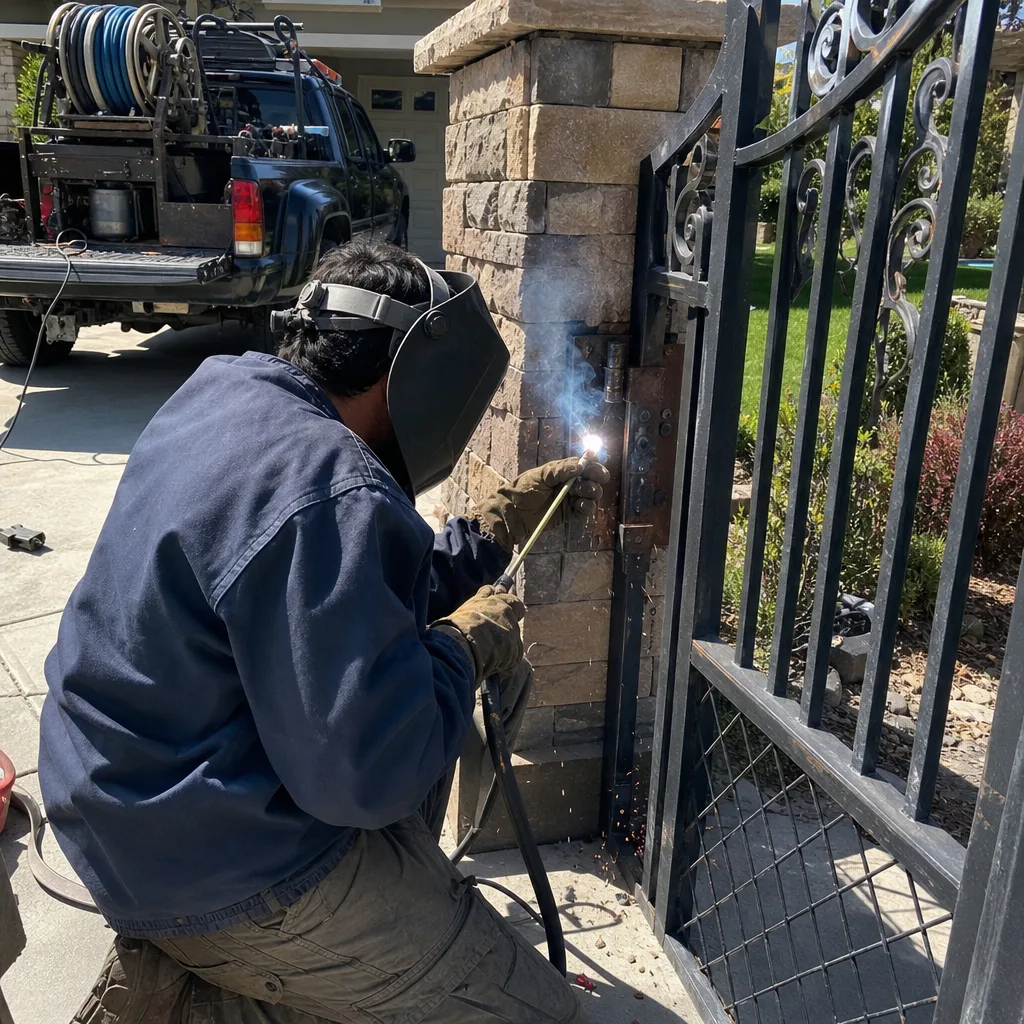
These five account for the overwhelming majority of access control faults we see. Each has a signature symptom, and each signature points to a specific fix. Naming the symptom correctly is half the repair.
1. Lost programming after a power outage
When the controller loses power – a grid outage, a tripped breaker, a brownout during a Winchester monsoon – some boards reset to factory defaults and forget their stored codes and remote assignments. The gate works fine manually but ignores every credential. The fix is re-entering the codes and re-pairing the remotes, which requires knowing what the original programming was. Without a record, you’re starting from scratch.
2. Corroded reader wiring
The wiring run between the keypad or reader and the controller is the most weather-exposed part of the system. In Winchester, the combination of intense summer heat and seasonal dust works on connections at the reader terminals. Corrosion raises resistance until the signal is too weak to register. The symptom is intermittent: the gate works in the morning, fails in the afternoon, works again after rain. That pattern points straight at the wiring run.
3. Failed relay on the controller board
The relay is the switch on the controller board that tells the operator to move. A relay can weld shut or fail open. When it fails open, the controller receives every credential correctly but never passes the command to the motor. The indicator lights up, the gate stays still. This is the fault most often misdiagnosed as a dead motor.
4. Depleted remote battery giving inconsistent range
A weak remote battery doesn’t usually die cleanly. It fades, so the gate opens from ten feet but not from the driveway. Homeowners read this as a range problem and assume the receiver is failing. It’s almost always the battery. Ghost Controls and LiftMaster remotes both show this fade pattern before they quit entirely.
5. Keypad membrane failure from UV exposure
Keypad membranes are plastic, and Winchester’s UV load is relentless. After a few summers, the membrane cracks, water gets behind the buttons, and individual keys stop responding – usually the ones pressed most often. A single dead key on a keypad is a membrane problem, not a programming problem.
How to Isolate the Fault: Reader, Wiring, or Relay
Once you know the gate isn’t receiving a valid command, the next question is where in the chain the signal dies. There are three possible failure points: the reader (or keypad), the wiring run between reader and controller, and the controller’s output relay. Each has its own test.
- Test the reader: Does the reader itself show any sign of life? A keypad with backlighting that’s dark, or a reader that beeps but doesn’t register a code, has an internal problem. Swap in a known-good reader if you have one, or test the reader’s output at its terminals with a meter while entering a code.
- Test the wiring run: Disconnect the reader at the controller end and check continuity on the data pair. High resistance or no continuity means the wire is damaged, corroded, or was nicked during landscaping work. This is the most common culprit when the fault is intermittent.
- Test the relay: If the controller indicators confirm a valid credential but the relay doesn’t click and the operator doesn’t fire, the relay is the suspect. A technician can test the relay contacts directly and confirm whether it’s welded or open.
Running these three tests in order tells you exactly which component to replace, which is the whole point. Replacing a reader when the real fault is a failed relay is how a $200 repair becomes a $600 one. Our gate motor & opener service in Winchester covers relay and controller diagnosis, including FAAC and BFT boards where the relay layout differs from common residential units.
The Documentation That Makes Troubleshooting Faster
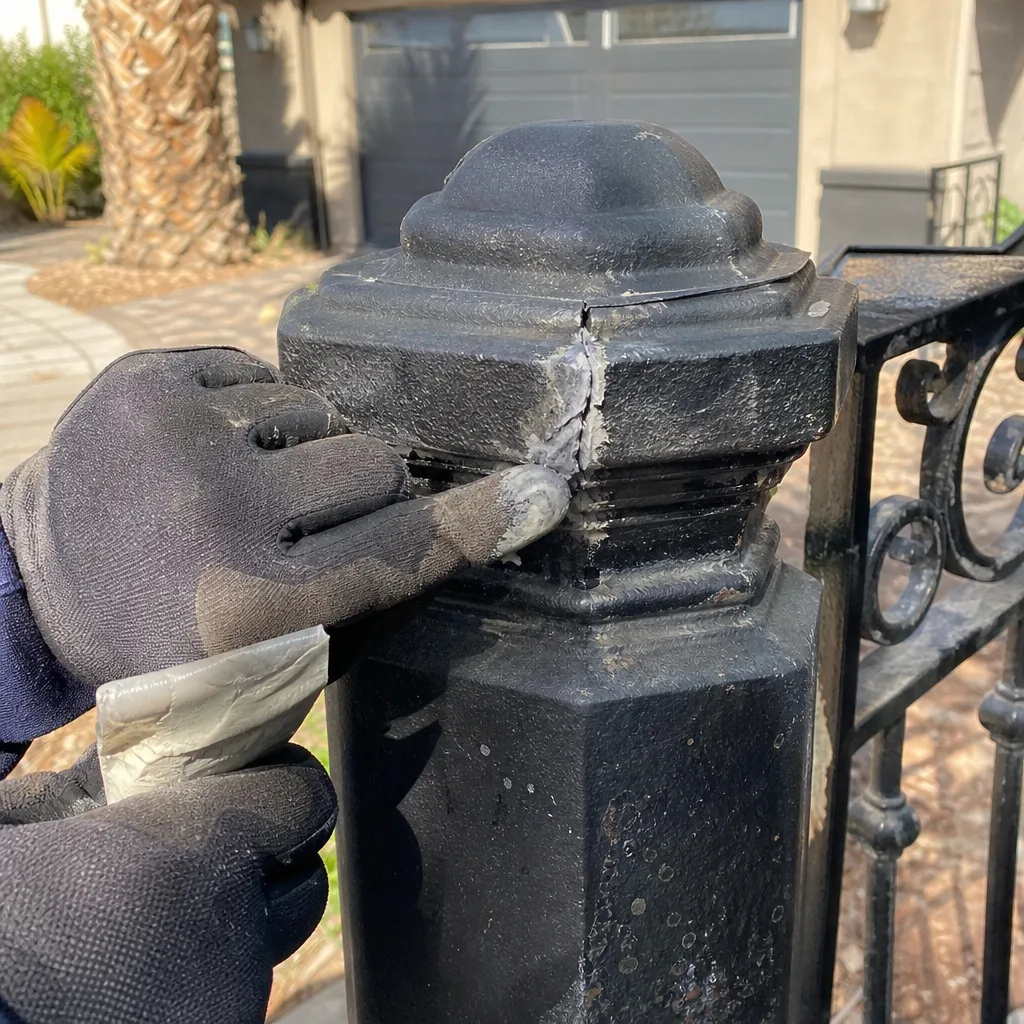
This is where access control troubleshooting separates into two very different experiences: the one where the last technician left a record, and the one where nobody knows what was installed. Documentation is not a luxury. It’s the difference between a fifteen-minute fix and a two-hour rediscovery of the same problem.
Three documents make the next repair fast:
- A wiring diagram with terminal labels. Which wire goes to which terminal on the controller, and what color it is. Without this, the next technician has to trace every wire by hand.
- A record of the original programming. The master code location, the remote assignments, and any scheduled access settings. When the board loses power and resets, this record is what lets you restore the system rather than rebuild it.
- Photos of the initial installation. How the reader was mounted, which conduit run serves it, and what the connections looked like when they were new. Photos let the next technician spot corrosion or movement by comparison.
At Vance Gate Repair Winchester we leave a documented photo record on every visit: what was found, what was set, what was replaced. It’s the same habit our founder’s commercial access-control work made standard, and it means the next person who opens your controller box isn’t guessing. If you want to see how that works on your own gate, the Vance Gate Repair Winchester home page explains the Haven Standard we work under.
What You Can Safely Do Yourself vs. What Needs a Technician
Some access control fixes are genuinely homeowner-level. Others involve live low-voltage wiring and controller boards where a mistake can cost you the whole unit. Here’s the honest split.
Safe for a homeowner
- Remote battery swap. Open the remote, replace the coin cell or 12V battery, re-pair if needed. This one resolves the “inconsistent range” symptom most of the time.
- PIN re-entry. If the controller is intact and you know the programming procedure from the manual, re-entering codes after a power outage is safe.
- Power cycle with the correct restart sequence. Turn the controller off, wait a full minute, then bring it back up in the order the manufacturer specifies. Some boards need the operator powered first, then the access control. Doing it in the wrong order can leave the board in a fault state.
Leave to a technician
- Relay replacement on the controller board. This involves soldering or board-level work and requires the board’s power fully isolated.
- Reader re-wiring. Re-running wire between reader and controller means working with the low-voltage pair and often conduit; a mistake here can damage the controller.
- Controller re-programming after board failure. Restoring a system after a board swap requires knowing the original configuration. Without a documented record, technicians rebuild from scratch, and that’s an hour of work.
If your troubleshooting points to any of the technician items, that’s the moment to stop. Call us and we’ll run the sequence with a meter and hand you a written price before anything gets touched. If you’re weighing repair against a new install, our gate installation in Winchester page walks through what replacement actually involves.
Why Winchester Heat and Monsoon Season Age Access Control Faster
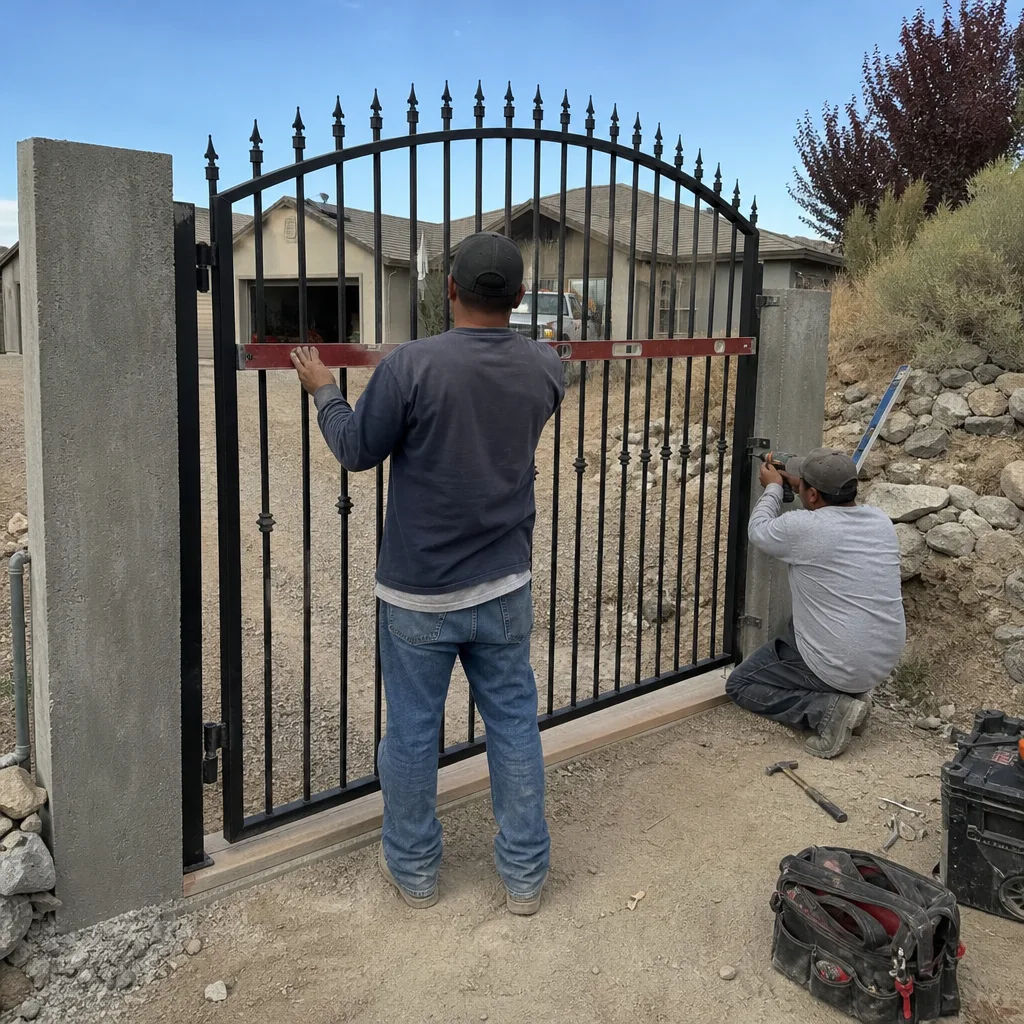
Access control components live outdoors, which in Winchester means they take a specific beating. The summer UV load is hard on keypad membranes and plastic housings; we see cracked membranes on keypads that would last considerably longer in a milder climate. The monsoon season adds the second pressure: wind-driven dust and moisture find any gap in a reader housing, and the combination of heat and moisture accelerates corrosion at the reader terminals.
The pattern shows up seasonally. Late-summer calls skew toward membrane failures and intermittent wiring faults. Post-monsoon calls skew toward lost programming after brownouts and tripped breakers. In neighborhoods with heavy new-landscaping activity, we also see wiring runs damaged by digging, which is why the “works in the morning, fails in the afternoon” pattern often follows a weekend of yard work. Knowing this pattern lets a technician bring the right parts on the first visit rather than returning twice.
Common Mistakes to Avoid
- Replacing the motor before testing the credential. A motor that never receives a command stays silent, and replacing it changes nothing. Test the signal path first.
- Replacing a reader when the fault is the relay. The reader is easier to swap, which is why it gets blamed. Test the relay contacts before ordering a new reader.
- Power-cycling in the wrong order. Some controller boards fault out if the access control powers up before the operator. Follow the manual’s restart sequence exactly.
- Assuming a weak remote means a weak receiver. Fading range is usually the remote battery, not the receiver. Swap the battery before ordering anything else.
- Skipping the manual release test. If the gate binds by hand, no amount of access control troubleshooting will fix the symptom. Rule out the mechanical problem early.
- Not keeping the original programming record. Without it, a board reset means rebuilding the whole system’s codes from memory or scratch.
When to Call a Professional
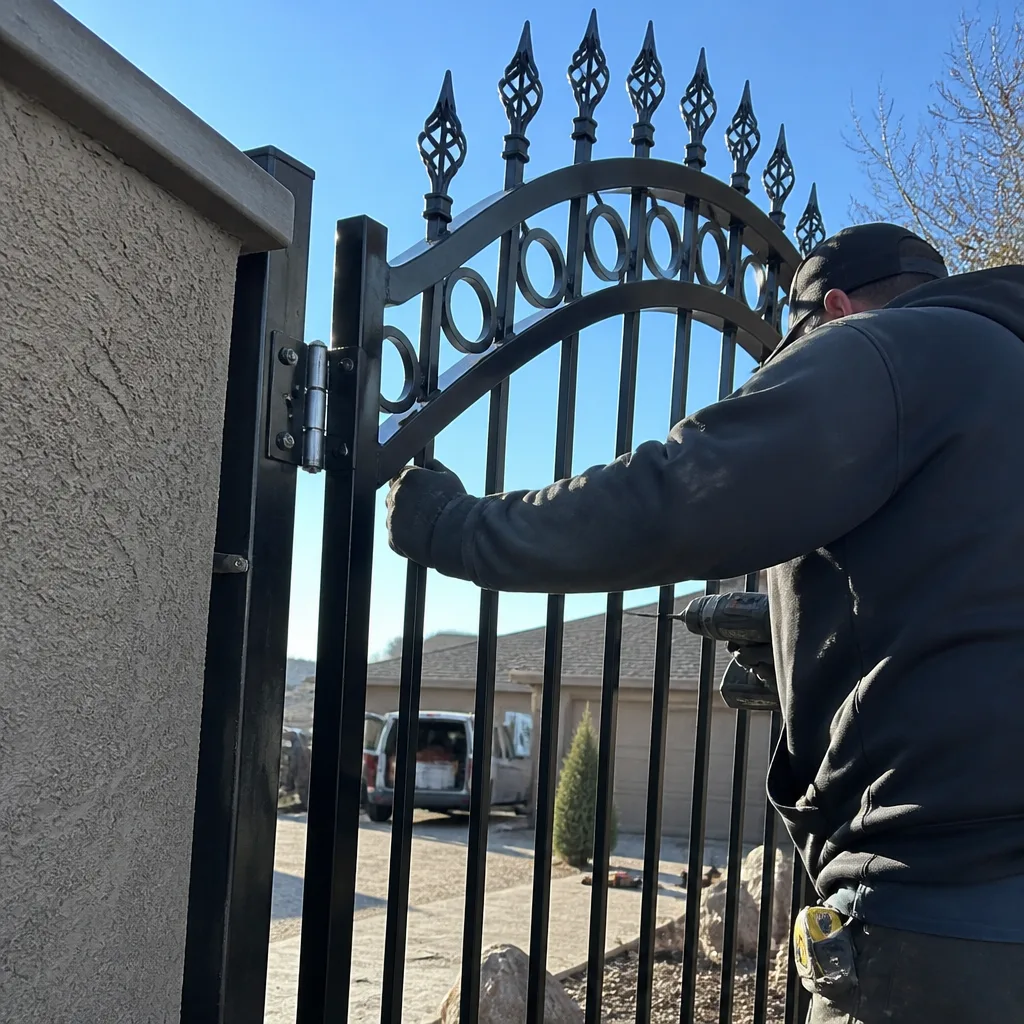
Call a professional when your troubleshooting points past the credential. If a fresh remote battery and a correct PIN re-entry don’t fix the problem, the fault is in the wiring run or the controller, and those need a meter and board-level knowledge to test safely. Call us if the gate works manually but never fires from a credential, if the fault is intermittent and you’ve already replaced the remote battery, if the controller shows no indicator on a known-good credential, or if the board has just been replaced and the system needs reprogramming. Vance Gate Repair Winchester offers free estimates in Winchester and a written price before any work starts. We service the major automation brands – LiftMaster, FAAC, BFT, Linear and others – so we work on the motor already on your property rather than steering you toward a replacement. Call (866) 983-9213.
See the difference
BeforeAfter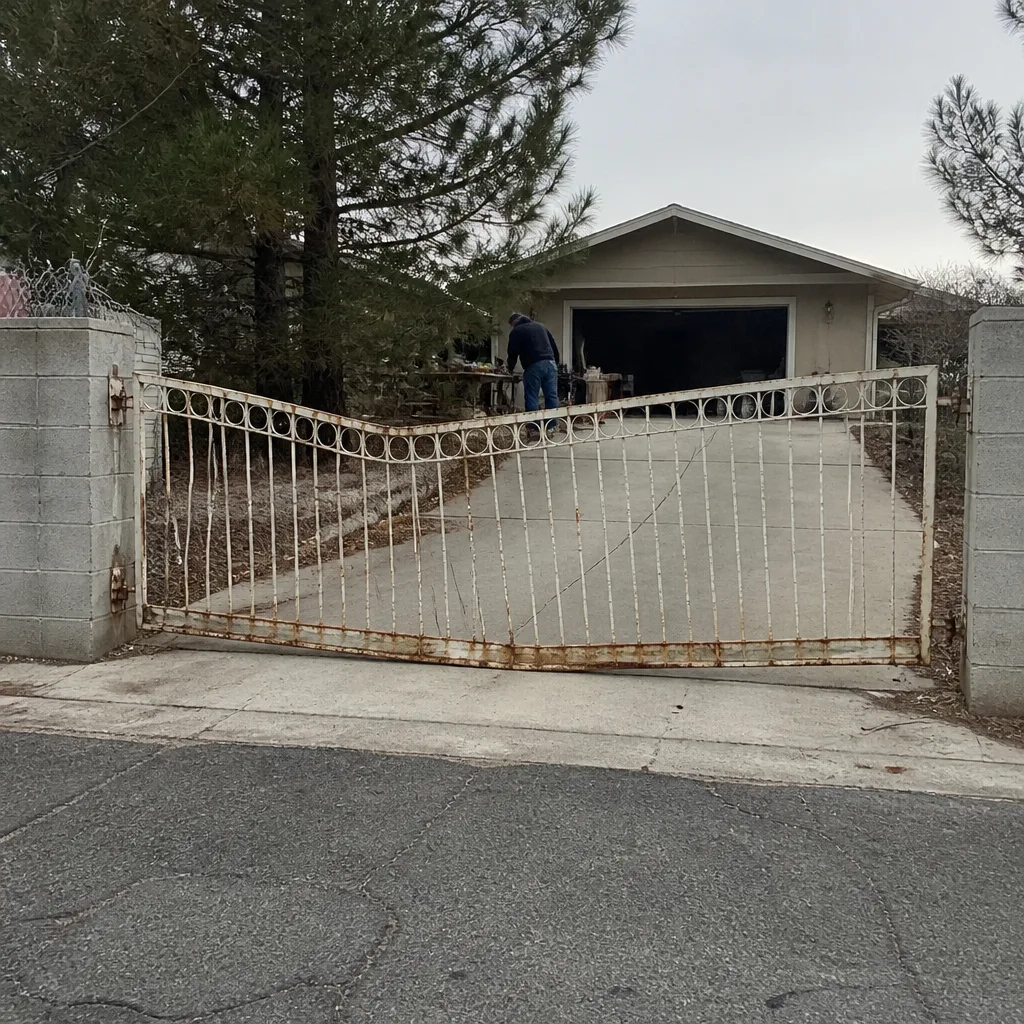 Before
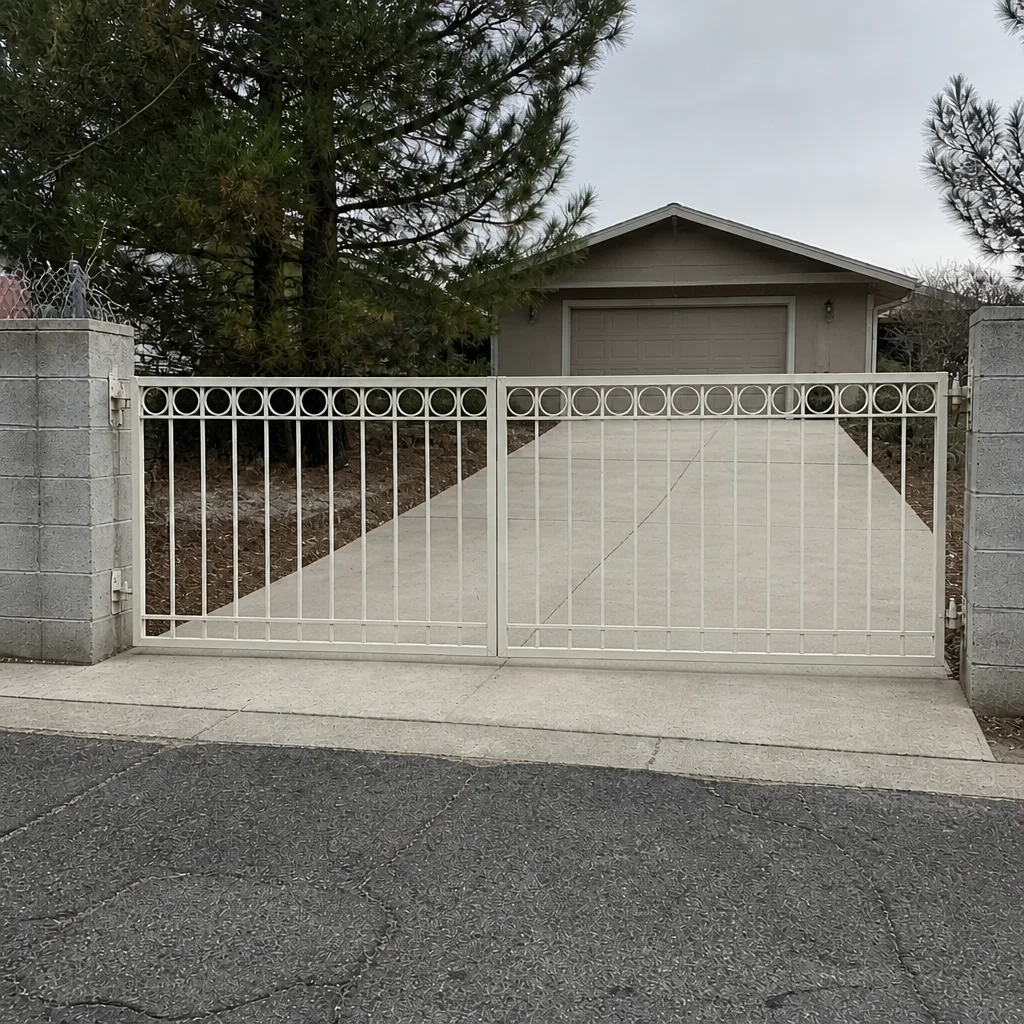 After
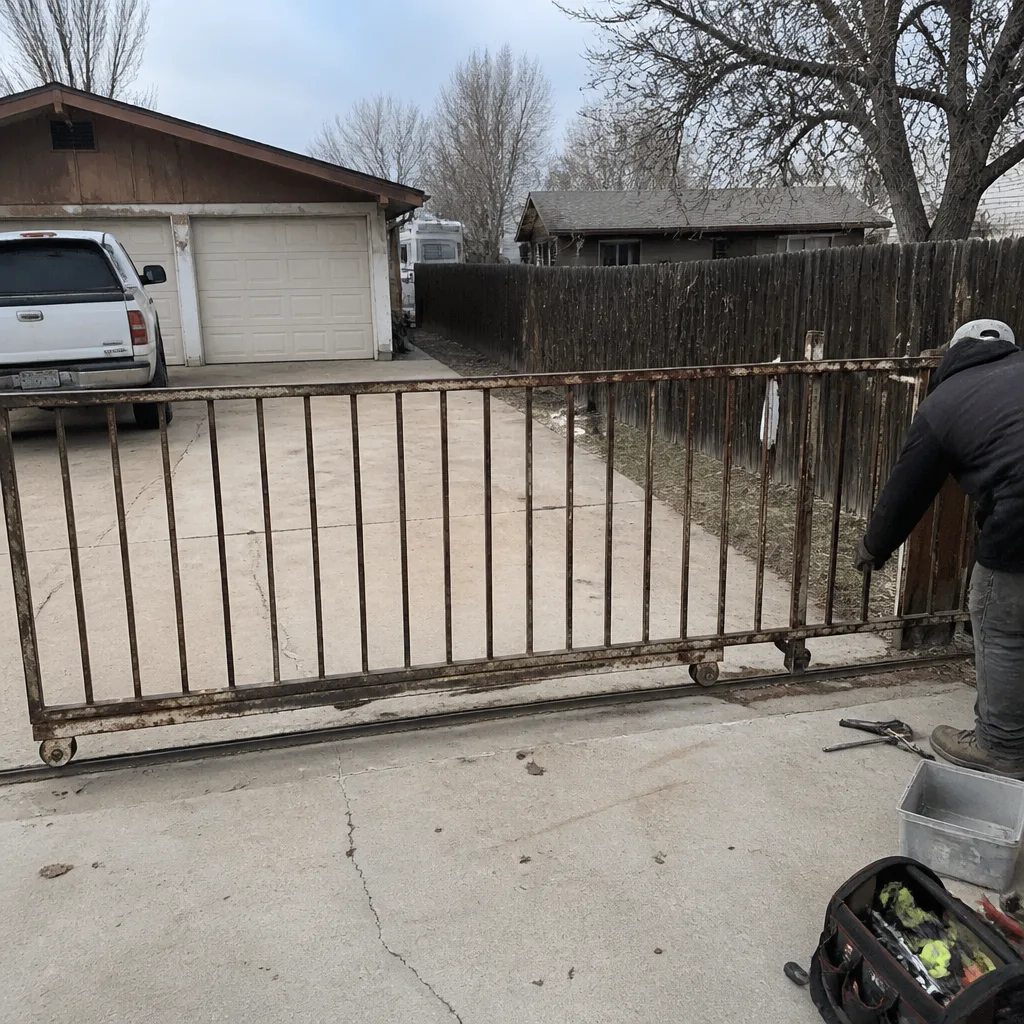 Before
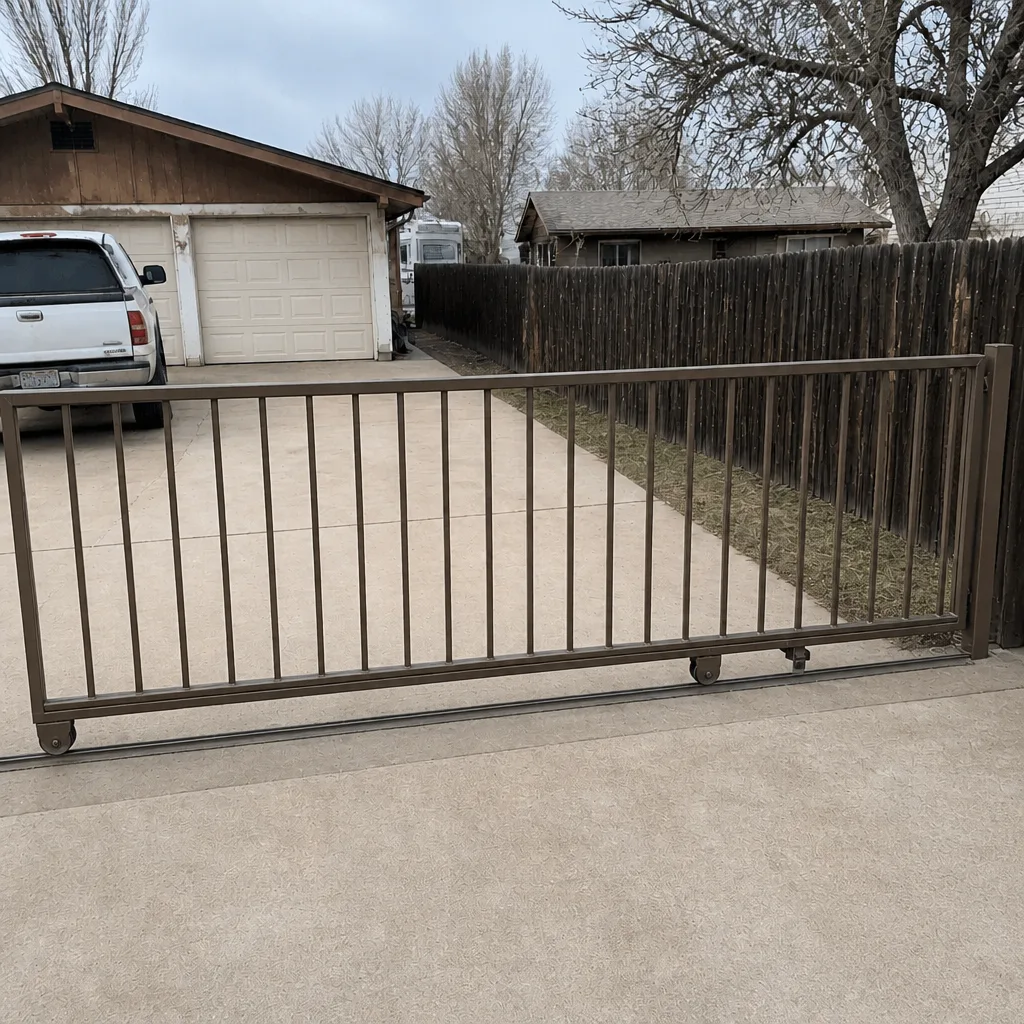 After
Frequently Asked Questions
An intermittent keypad almost always points to a wiring problem, not a programming problem. Corrosion at the reader terminals or a wire nicked during landscaping raises resistance until the signal fails to register, then works again when conditions change. Test continuity on the wiring run first.
Many controller boards reset to factory defaults after an outage, which wipes stored codes and remote pairings. The gate itself is fine; the programming was lost. If you have a record of the original codes, restoring them is straightforward. Without a record, reprogramming takes longer but is still a one-visit job.
Diagnosis and the common repairs usually run in the low-to-mid hundreds depending on the fault. A remote battery swap or PIN re-entry is trivial; a relay replacement or reader re-wire sits higher. We hand you the written price before any work starts, so there’s no invoice surprise. Call (866) 983-9213 for an exact quote – estimates are free.
It depends on the failure. A failed relay can often be replaced on the board, which is significantly cheaper than a new controller. A board with water damage or a failed processor usually gets replaced. A technician can test the relay contacts and tell you which case you’re in before recommending either.
You can run the homeowner-level tests yourself: swap the remote battery, re-enter the PIN, check power to the controller, and test the manual release. Anything past that – continuity testing the wiring run, testing relay contacts, reprogramming after a board swap – needs a meter and a technician.
Often, yes. A weak remote battery fades before it dies, which reads as a range problem when it’s really the battery. Swap the battery first, and if the range is still inconsistent, the fault is in the receiver or the wiring. One test tells you which.
The Bottom Line
Access control failures get misdiagnosed as gate failures because the symptom looks identical. The fix is a diagnostic sequence that starts at the credential and works back toward the motor, checking the reader, the wiring run, and the relay in order. Five failure modes cover most cases: lost programming after an outage, corroded reader wiring, a failed relay, a fading remote battery, and a UV-cracked keypad membrane. Homeowners can safely swap batteries, re-enter PINs, and power-cycle correctly; relay work, re-wiring, and reprogramming belong to a technician. The documentation you keep – wiring diagram, original programming, install photos – is what makes the next repair fast instead of expensive.
Every visit from Vance Gate Repair Winchester comes with a written price before work starts, a documented photo record left behind, and a 365-Day Done Right Promise. Call (866) 983-9213 for a free estimate in Winchester, any hour of the day.
Written by the team at Vance Gate Repair Winchester.