
Last updated November 18, 2026
 Wrought iron
 Wood & steel frame
 Farm & ranch
 Sliding driveway gates
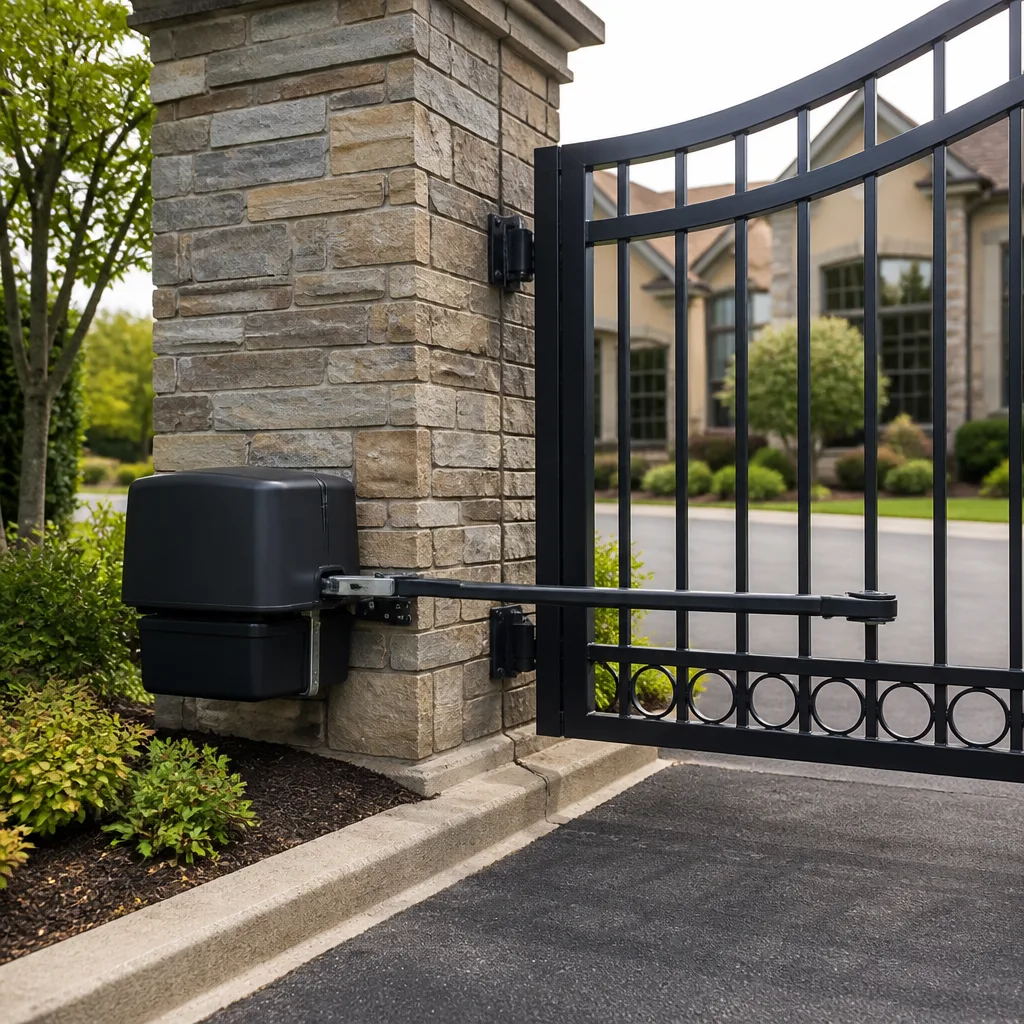 LiftMaster operators
Free on-site gate assessment - hinges, posts, and your LiftMaster or Nice gate operator checked before anything is quoted
The assessment is free and the quote is the invoice.
Get your free estimateGate Motor & Opener Warning Signs Every Homeowner Should Know
A gate motor that hesitates for half a second before it moves is not “just a little slow.” That half-second is a motor straining against an undiagnosed load problem, and it shortens the motor’s service life on every single cycle. In our experience across Winchester, the difference between a $200 service call and a $900 emergency replacement almost always comes down to how early someone reads the signals. A failing opener tells you weeks in advance: through a sound, a slowdown, a blink code, or a small hesitation in cold weather. This guide walks through the sounds, behaviors, and visual clues that matter, what each one points to mechanically, and when to stop troubleshooting and get a professional on site.
Quick Answer
Gate motors warn you before they fail. The main signs are a half-second hesitation before movement, a grinding or clicking sound on startup, a gate that travels noticeably slower than it used to, reduced remote range, and blinking LED fault codes on the control board. Catching these early usually means a service call in the low hundreds of dollars; ignoring them often means replacing a burned-out motor or stripped gearbox.
Styles & brands we work with
- Wrought iron
- Wood & steel frame
- Farm & ranch
- Sliding driveway gates
- LiftMaster operators
Table of Contents
- What the sounds coming from your gate motor actually mean
- Behavioral signs homeowners wrongly normalize
- Visual warning signs on the motor housing and control board
- How to read fault codes and LED blink patterns as early data
- Why your gate fails only in heat or cold
- Battery, solar, and low-voltage warning signs
- What you should never check yourself
 Before
 After
What the Sounds Coming From Your Gate Motor Actually Mean
Sound is the most reliable early-warning channel a gate opener gives you, and most homeowners lump every noise into one bucket called “it’s probably fine.” It isn’t. Grinding, clicking, and humming on startup come from three different places inside the system, and each has its own repair path.
- Grinding points to the mechanical side: a worn gear, a stripped drive in the gearbox, or debris caught in the track or on the rack-and-pinion. On sliding gates, small grit and gravel (very common after a Winchester wind event kicks dust into the driveway) can grind against the rack for weeks before anyone notices.
- Clicking on startup usually starts at the control board and the relays. A relay clicking repeatedly without the gate moving can mean a low battery, a failing capacitor, or a safety device (the photo-eye) that’s being read as an obstacle.
- Humming without movement is the classic sign of a motor trying to run but blocked electrically or mechanically: a locked arm, a tripped clutch, a bad start capacitor, or a low-voltage supply sagging under load.
If you hear grinding on a LiftMaster or Linear arm every time it opens, don’t keep cycling it. Each pass wears the gear teeth a little further, and the repair goes from a limit adjustment to a gearbox rebuild. We’ve replaced more gearboxes than necessary because a homeowner waited six weeks after the first grind.
Behavioral Signs Homeowners Wrongly Normalize
The behaviors that get ignored the longest are also the easiest to recognize. They aren’t random quirks; each one maps to a specific condition inside the system.
- Slower travel time. If your gate used to open in 14 seconds and now takes 17, something has added load: a worn roller, a sagging hinge, a binding track, or a motor losing torque as its capacitor weakens. Slowdown is a diagnostic label, not a personality trait.
- Reduced remote range. Walking closer to press the remote means the receiver is losing sensitivity or the antenna connection is compromised. Sometimes it’s the remote battery, but if a fresh battery doesn’t fix it, the receiver or wiring is the culprit.
- Increased reversal sensitivity. The gate stops and reverses at the slightest touch. That’s the safety system doing its job, triggered by something else: an obstacle in the path, a photo-eye knocked slightly out of alignment, or a force setting that’s drifted. Increasing the force setting to “fix” it is the wrong move and one we see constantly.
- Needing the remote pressed twice. A one-off is nothing. Repeating every day points at a receiver board or a limit switch not fully tripping.
In Winchester we see a lot of Mighty Mule swing operators on properties with older brick pillars, and the reversal sensitivity issue shows up often after a pillar settles slightly. Raising the arm bracket by a fraction of an inch brings the geometry back into spec, but only if someone measures it.
Visual Warning Signs on the Motor Housing and Control Board
Before you even open the housing, walk around the gate and look at the outside. Then, if it’s safe, take a look at the control board with the power off.
- Corrosion on terminals. Green or white crust on the screw terminals is the most common cause of intermittent faults in coastal-adjacent climates and after heavy rain. Cleaning and re-terminating stops the fault from ghosting.
- Heat discoloration on wiring insulation. Brown or brittle wire jackets near the motor or at the relay indicate the circuit has been running hot. That’s a load problem, not a “wire problem,” and it needs tracing.
- Moisture inside the controller housing. Water in the enclosure, fogged lenses, or water marks on the board are serious. Even a small amount of moisture across the wrong two terminals can cause a false safety trip or leave the motor permanently “in obstacle.”
- Rust on the gearbox or chassis. Not cosmetic. Rust creeping past the housing seam tells you the internals have been exposed to moisture for a while.
- A swollen or leaking battery. On any DC or solar-charged system, a battery past its service life bulges at the sides. It will also sag under load and cause exactly the “works in summer, dead in winter” pattern we cover below.
How to Read Fault Codes and LED Blink Patterns as Early Data
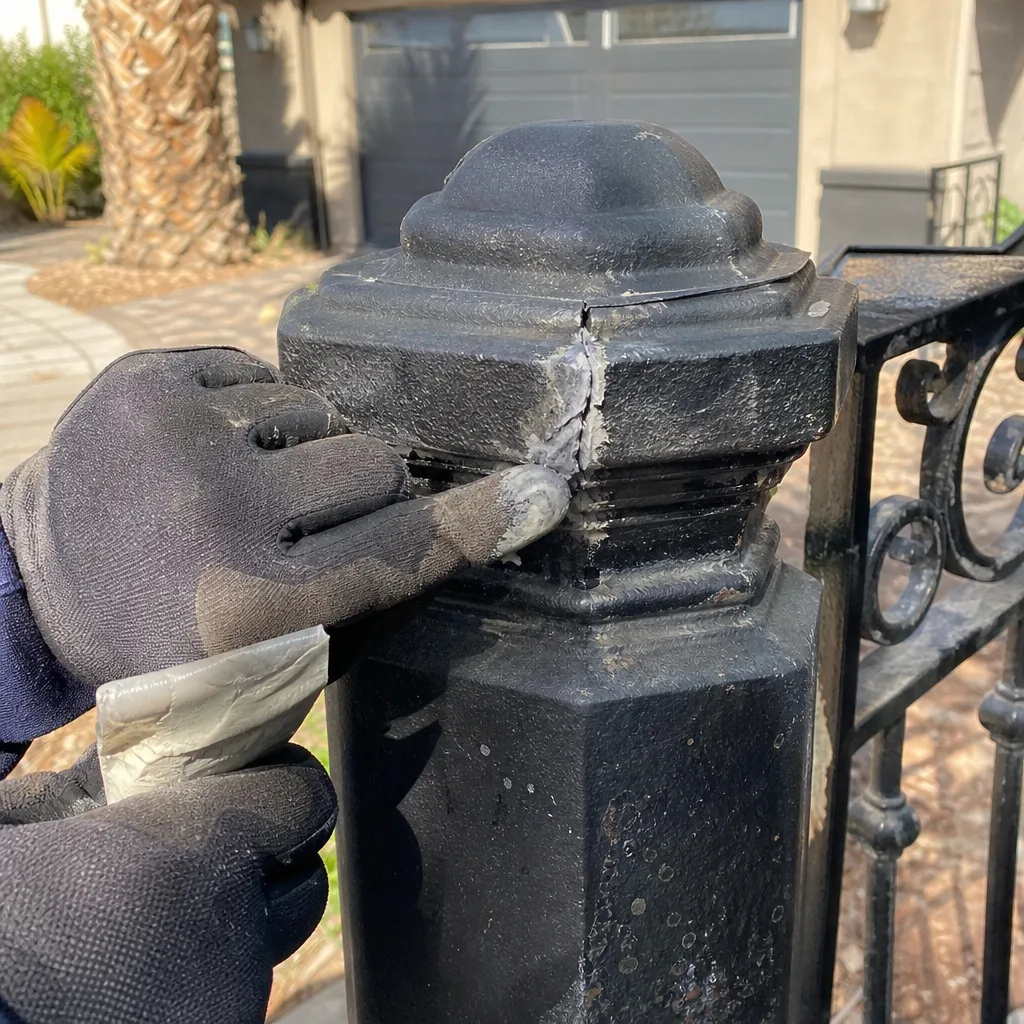
The LED on your control board is not just an error light; it’s a data feed. A steady blink sequence is often the fastest path to a diagnosis, and most homeowners reset the system instead of counting.
Here’s how to use it:
- Count the pattern. A common board blinks its fault code two or three times in a row, pauses, then repeats. Count how many blinks happen in each group.
- Look up the sequence in the manual, not the forum. Every brand we service (DoorKing, LiftMaster, FAAC, BFT, Elite, and others) uses a different pattern, so a generic Google answer frequently points at the wrong subsystem.
- Write down the pattern, the time of day, and the weather. A board that blinks a fault only after 30 cycles is a thermal or load issue. One that faults on the first opening of the morning is almost always a battery or supply problem.
- Don’t reset without recording. Clearing the fault wipes the history the next technician needs. A written log and a photo of the blink pattern are worth more than a reset.
Documenting the fault is part of how gate motor & opener in Winchester should be handled: the codes plus a photo of the board save time and money on the first visit. One blink pattern can mean a bad limit switch; the same pattern with a slightly different timing can mean a stuck solenoid. If a board is being cleared every time someone opens the gate, no one is reading the actual signal.
Why Your Gate Fails Only in Heat or Cold
“It works fine most of the time” is a specific, diagnosable failure mode. Intermittent failures tied to temperature are exactly what you would expect from a system with a marginal part under load.
Here’s what that looks like in practice:
- Fails in the heat. The gearbox oil thins, the motor runs hotter, and a marginal capacitor or a nearly-seized bearing gives out at the highest duty cycle. This is also the moment a swollen battery under charge shows its real capacity.
- Fails in the cold. Battery capacity drops, grease thickens, and any small mechanical binding becomes a real obstacle. That gate that “works all summer and stops every January” is telling you the battery, the load, or both are already marginal.
- Fails after rain or wind. Moisture in the housing, corrosion on a limit switch, or grit in the rack. Wind especially loads an exposed gate in a way that a dry day never does.
In Winchester, the dry, dusty summer months and cold desert nights produce exactly this pattern. We see gate motors that fault every morning in December and test perfectly in June. The right fix is to log the failures and carry that log into a diagnostic visit, not to chalk the failure up to the weather.
Battery, Solar, and Low-Voltage Warning Signs
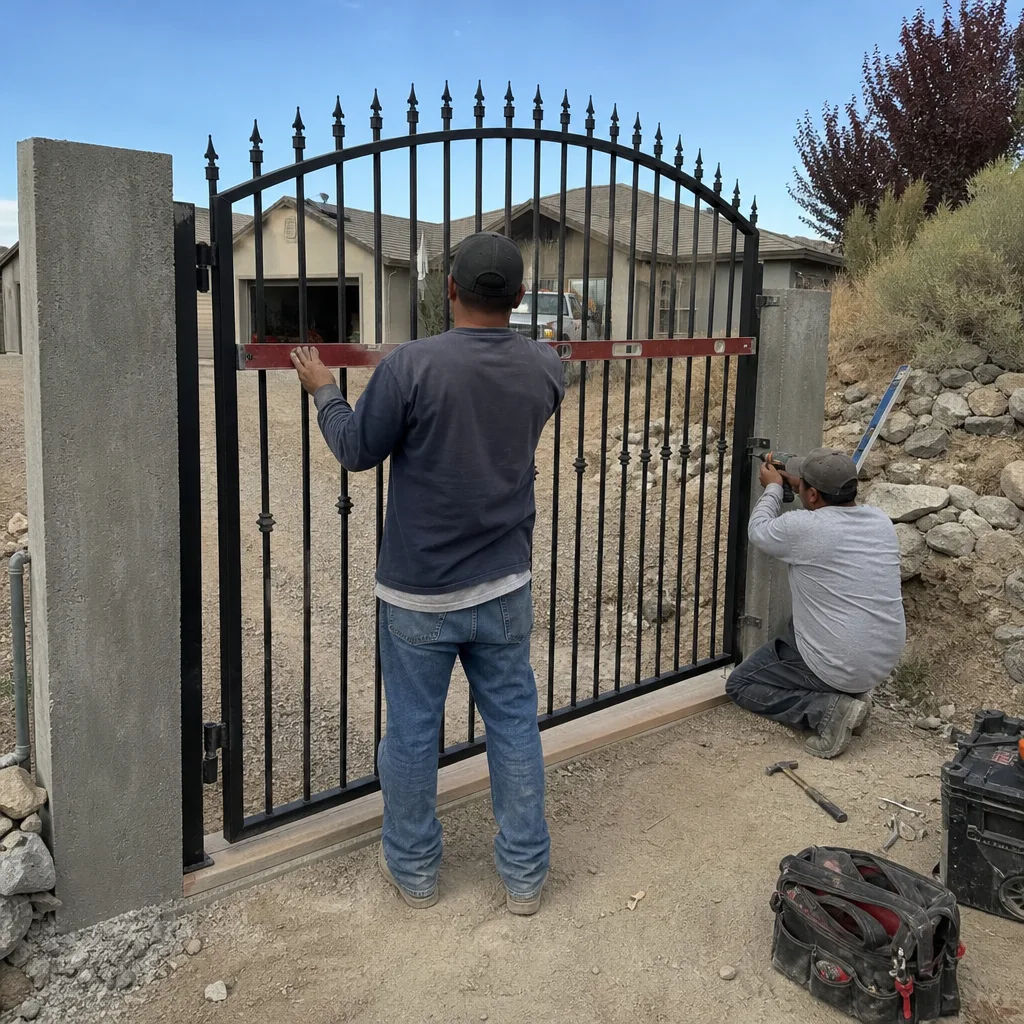
DC and solar-charged operators tell you their battery is failing in three ways, and none of them look like a battery problem to a homeowner.
- The receiver resets every time you press the remote. The board dips, reboots, and the receiver drops the pairing. Many people replace the remote when the real problem is a battery not holding voltage.
- The gate opens once and then “won’t close.” The motor finishes the open, then falls below the voltage needed to complete a reverse.
- Faults appear only after sunset on solar operators. Marginal panel charging leaves the battery too low by evening. This is very common on older solar systems where the panel itself has dirt buildup or a failing charge controller.
Every visitor to this house can be affected by how much solar the panel gets. If a tree has grown over the panel or the panel is dusty after a dry stretch, you’ll see the symptoms appear and vanish with no clear cause until someone actually measures the charge voltage.
What You Should Never Check Yourself
Some of the diagnosis is safe for a homeowner, and some is not. Anything past the visual inspection belongs to a trained technician, and this is a hard line, not a suggestion.
Never open the controller housing if there is any chance the main power is on. These boards carry mains voltage alongside low-voltage control wiring, and a misidentified terminal can be lethal. Never disconnect a battery while the panel is charging. Never bypass a safety edge or photo-eye “just to test it.” Never service anything that requires lifting the gate itself, and never touch the arm or telescoping mechanism while the motor is powered. The 365-Day Done Right Promise only makes sense if the work is done safely, and that means licensed and insured technicians handling the electrical side.
Also flag this one: any opener that has visibly arced or scorched inside the housing is a fire concern. Disconnect the power at the breaker, leave the gate in the open position if it can be moved safely, and stop using the remote until someone has inspected it.
Common Mistakes to Avoid
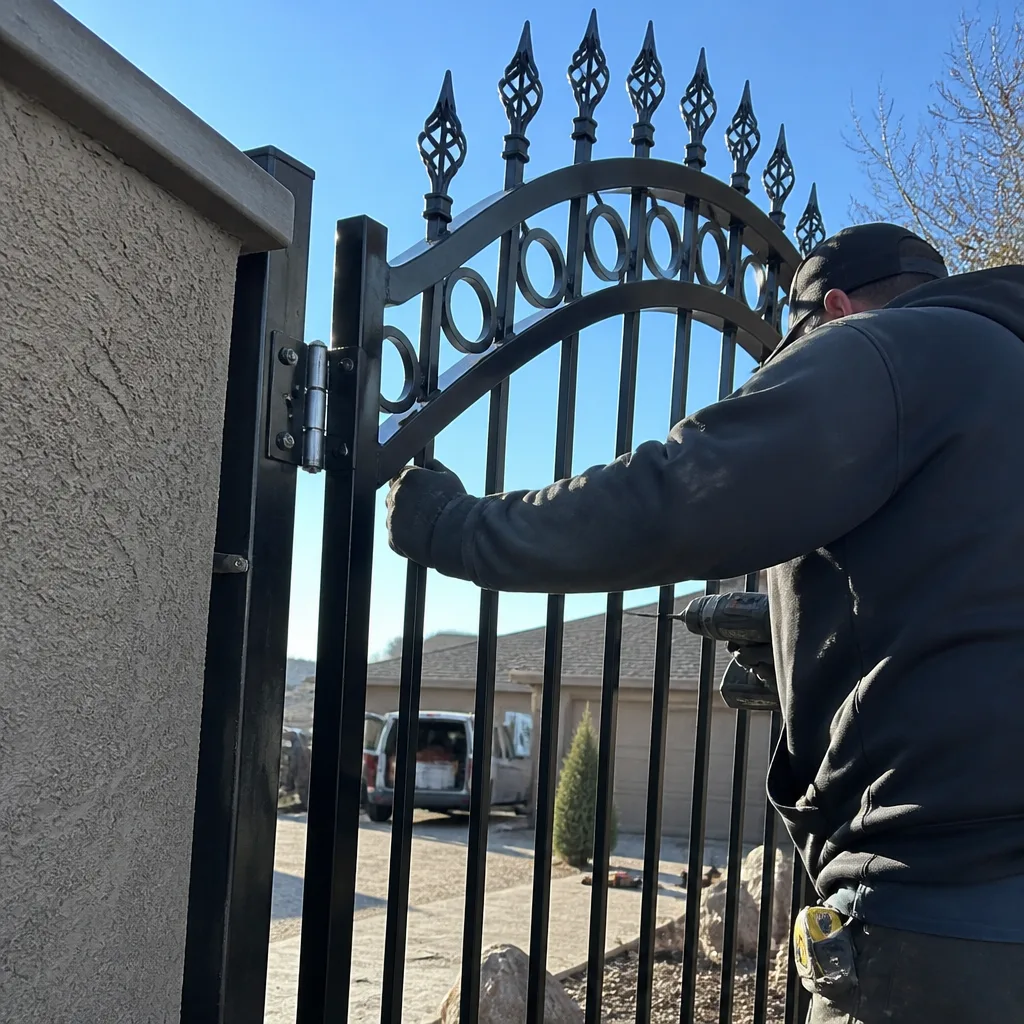
- Turning up the force setting. The force setting exists to protect anything in the gate’s path. Raising it to make a binding gate move hides the mechanical problem and defeats the safety system.
- Resetting the board and calling it fixed. Resetting wipes the fault history and doesn’t fix anything. If the fault returns in two days, you’ve lost the data the next technician needs.
- Ignoring the slowdown. A gate that’s two or three seconds slower than it used to be is under load. Waiting gets you a gearbox or a motor, not just an adjustment.
- Replacing the remote first. Nine times out of ten the remote works and the receiver or battery is the problem. Save the $40 and test the actual circuit.
- Skipping service after heavy wind. Winchester’s spring and fall wind events blow grit into racks and misalign photo-eyes by an inch or two. A short service visits prevents the false-reversal call.
- Using a generic tutorial on a specific brand. A board from Elite, DoorKing, or Mighty Mule each uses its own blink code and limit-setting procedure. Applying the wrong one can set travel in the opposite direction from what the manual calls for.
- Waiting for a full failure. Emergency replacement costs run several times more than the diagnostic and repair you’d have paid if you’d called at the first grinding sound.
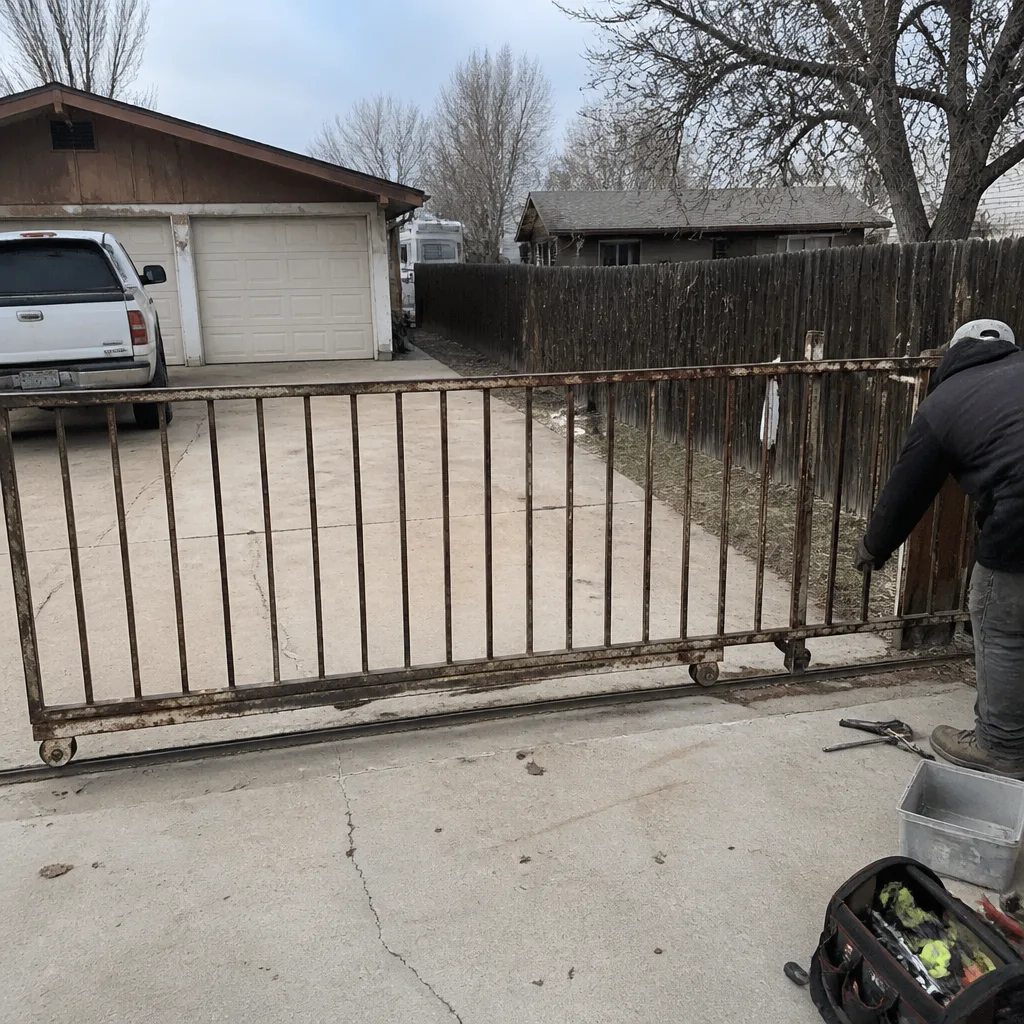
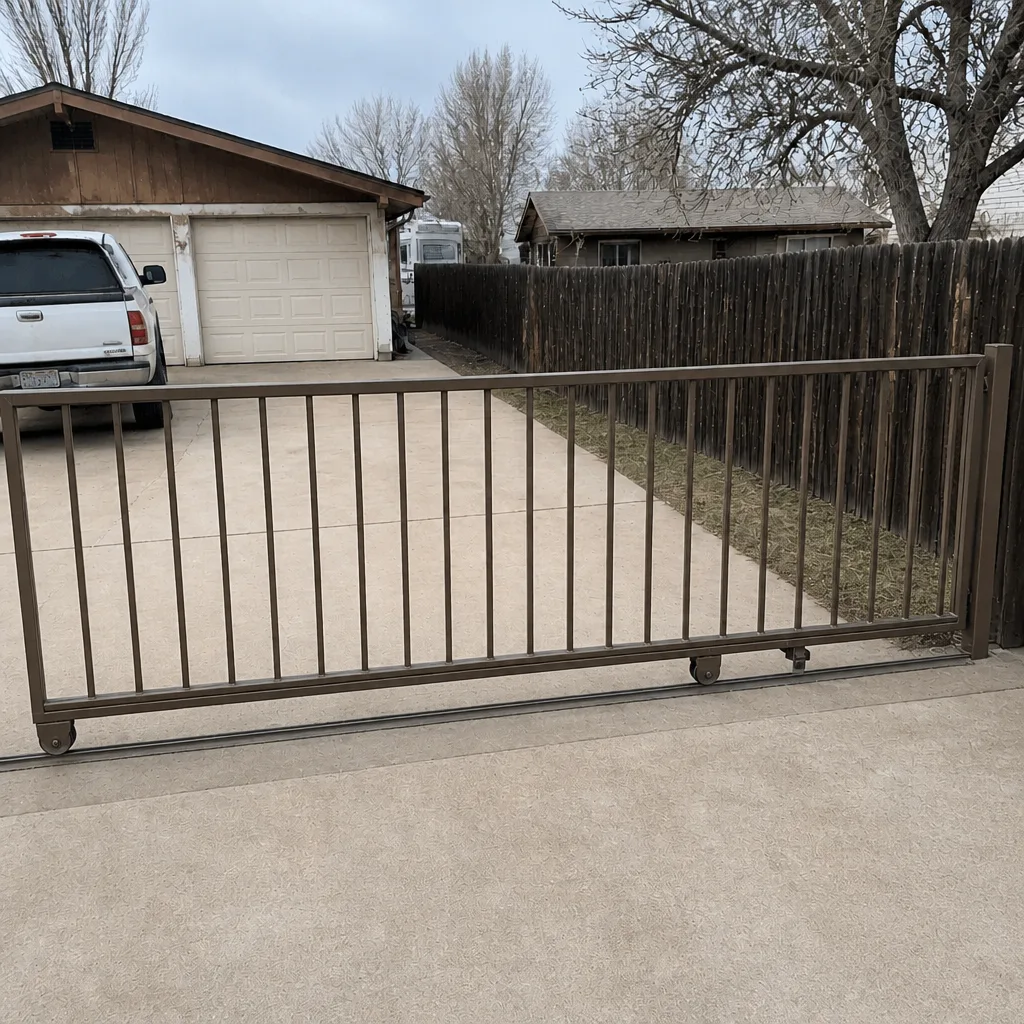
See the difference
BeforeAfter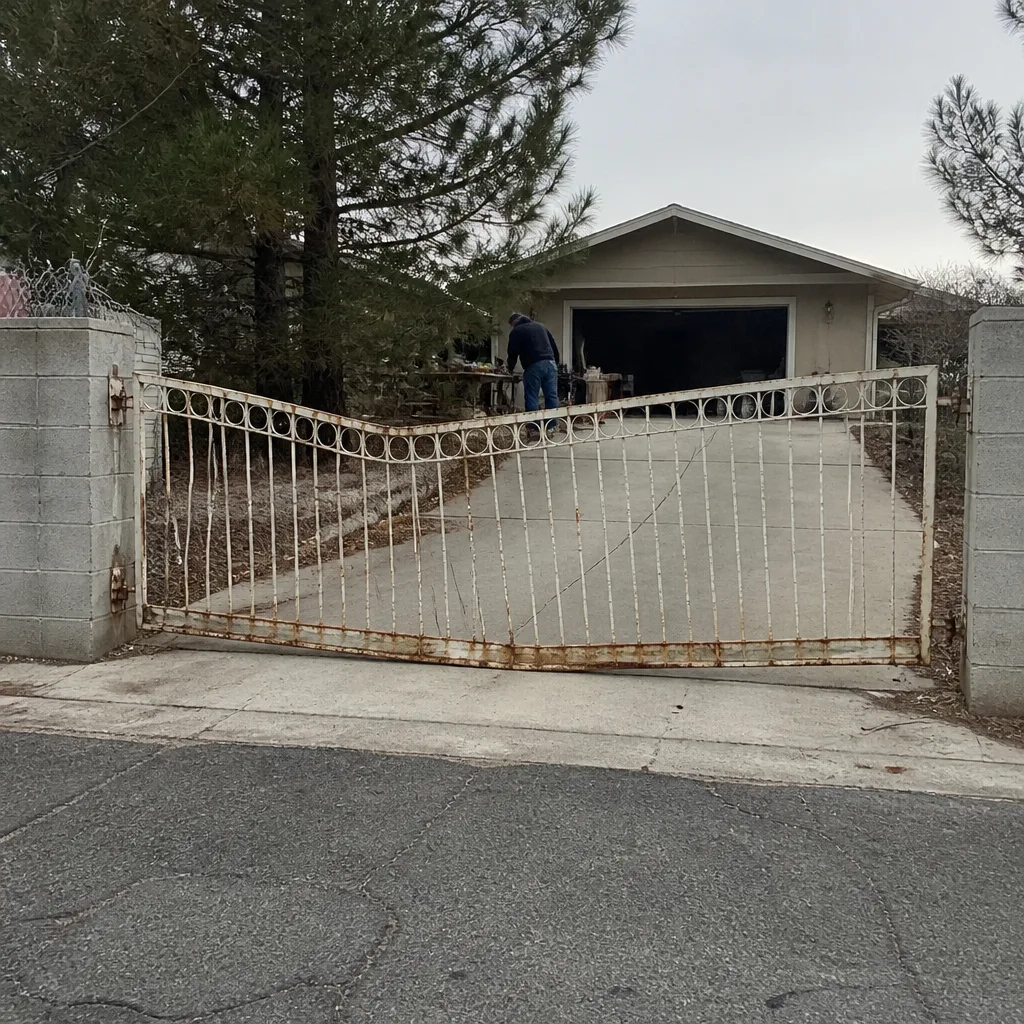 Before
 After
 Before
 After
When to Call a Professional
Call a professional the moment any of the following is true: the gate hums but doesn’t move; the motor grinds at any point in travel; the board exhibits a fault code you can’t map to the manual; there’s moisture, corrosion, or heat discoloration inside the housing; the gate reverses for no visible reason; the remote range has dropped and a new battery didn’t help; or the gate fails in cold weather but works fine otherwise. Don’t wait for the gate to stop mid-cycle with a car behind it. That’s the scenario where an emergency replacement turns a modest repair into a serious bill. Vance Gate Repair Winchester offers free estimates in Winchester. Call (866) 983-9213 and a live person answers, at any hour, with no callback queue.
Frequently Asked Questions
The clearest early sign is a hesitation before movement plus a grinding or humming sound on startup. A gate that used to open in 14 seconds and now takes 17, a remote that needs a closer press, and fault codes that appear and vanish are all signs the motor is under load or the electrical supply is marginal. Any two of those together justify a diagnostic visit.
You can safely check the visible warning signs (sounds, slowdown, blink patterns, corrosion and moisture in the housing) and log them. You should not touch the mains voltage, the battery circuit, or the gate arm. Those carry real injury and fire risk, and a technician should trace them. For help sorting out what’s safe to check on your specific operator, call (866) 983-9213.
The blink is a fault code from the control board, counting out a pattern the brand’s manual defines. Count the blinks per group, look the pattern up in your operator’s manual, and note whether the fault repeats after 30 cycles or on the first opening of the morning. First-opening faults usually mean battery or supply. After-30-cycle faults usually mean a thermal or mechanical load issue.
Cold thickens grease, shrinks battery capacity, and turns a small mechanical binding into a real obstacle. That pattern points at a marginal battery, a load problem, or both. Winchester’s cold desert nights produce this symptom more than any other; a diagnostic visit that measures the battery under load usually identifies the culprit in one trip.
We service LiftMaster, FAAC, BFT, Linear, Viking, Ghost Controls, DoorKing, Elite, and Mighty Mule. The goal is to service the operator that’s already on your property rather than steer you toward replacement, and the brand-specific fault codes and limit procedures are part of that. Grab the model number if you have it; if not, a photo of the housing is also useful.
Yes. Every completed repair is covered by the 365-Day Done Right Promise: if it isn’t right, we make it right within that window at no additional charge. The price is written and agreed before any work starts, and every visit leaves you a photo record of what was found, what was set, and what was installed. For a second opinion on another company’s written estimate, bring the paperwork; that review is free.
The Bottom Line
Gate motors fail in patterns, not at random. Sound, travel time, reversal sensitivity, remote range, moisture, corrosion, and blink codes are all signals, and each one points at a specific mechanical or electrical cause. Reading them early is the difference between a modest repair and an emergency replacement. If you’ve seen any combination of the signs in this guide, don’t reset the board and wait; log what you see, note the temperature and time of day, and get a technician on site. A careful diagnostic visit now costs far less than the motor, gearbox, or emergency call you avoid. Call (866) 983-9213 for a free estimate and a live person any hour of the day.
Written by the team at Vance Gate Repair Winchester.